

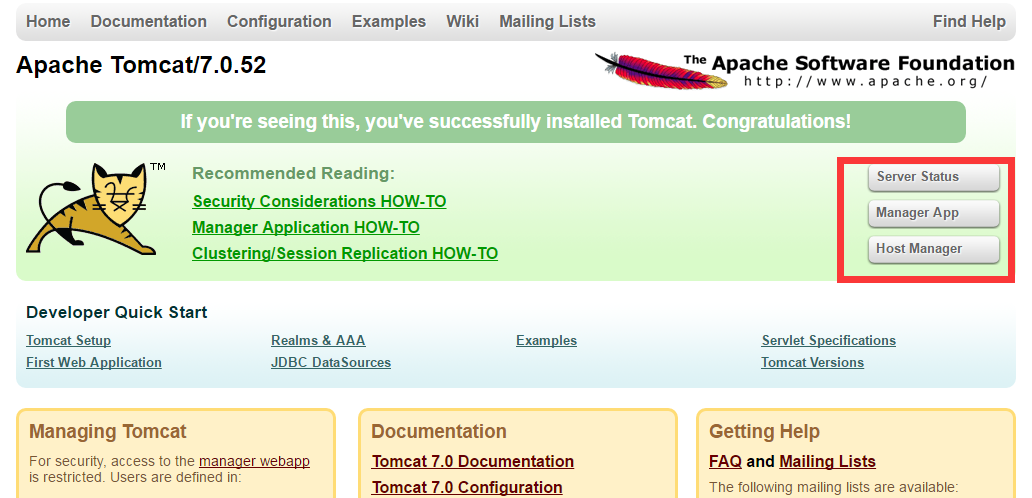
After a default installation, the interface looks like the following. On the right side of the homepage, there are three buttons that you can click to access the admin backend:
Let’s use my test environment where the Tomcat installation path is /usr/local/tomcat/ as an example to explain:
In /usr/local/tomcat/conf/tomcat-users.xml, the default login user and password are commented out, so you cannot log in, as shown below:
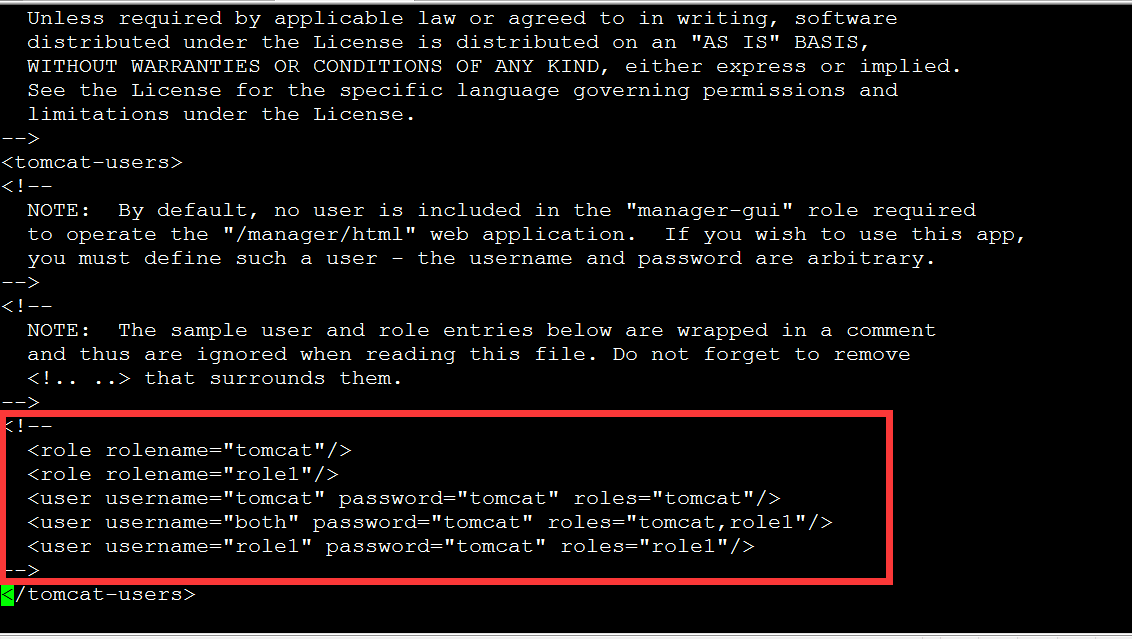
vi /usr/local/tomcat/conf/tomcat-users.xml
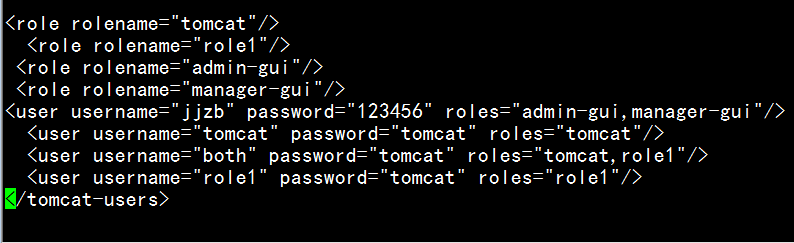
Edit the file and change the above info to the following (see the attachment for the code):
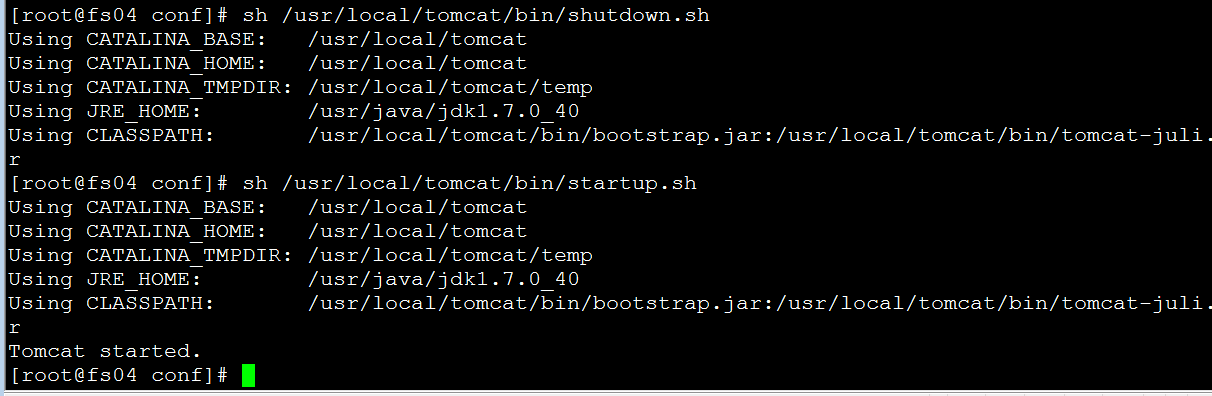
Restart Tomcat:
sh /usr/local/tomcat/bin/shutdown.sh
sh /usr/local/tomcat/bin/startup.sh
sh /usr/local/tomcat/bin/startup.sh
You can now log in using the username jjzb and password 123456.
Attachment Download https://www.cnop.net/uploadfile/2016/0530/20160530104014793.zip