

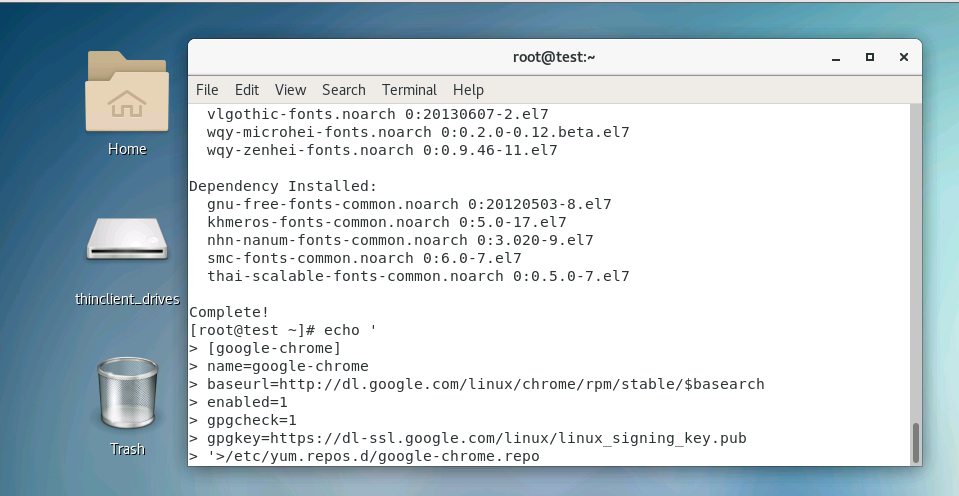
First, set up an installation source:
echo '
[google-chrome]
name=google-chrome
baseurl=http://dl.google.com/linux/chrome/rpm/stable/$basearch
enabled=1
gpgcheck=1
gpgkey=https://dl-ssl.google.com/linux/linux_signing_key.pub
'>/etc/yum.repos.d/google-chrome.repo
Installation:
yum -y install google-chrome-stable –nogpgcheck
Or (use the command above if your domestic server cannot install it)
yum -y install google-chrome-stable
Double-click to launch.
If nothing happens after double-clicking post-installation, you can:
vim /usr/bin/google-chrome
Change:
exec -a "$0" "$HERE/chrome" "$@"
to the following:
exec -a "$0" "$HERE/chrome" "$@" –no-sandbox