

How to Reset a Forgotten Kali Linux Password
1. Restart the system, and press the down arrow key during boot to enter the following screen: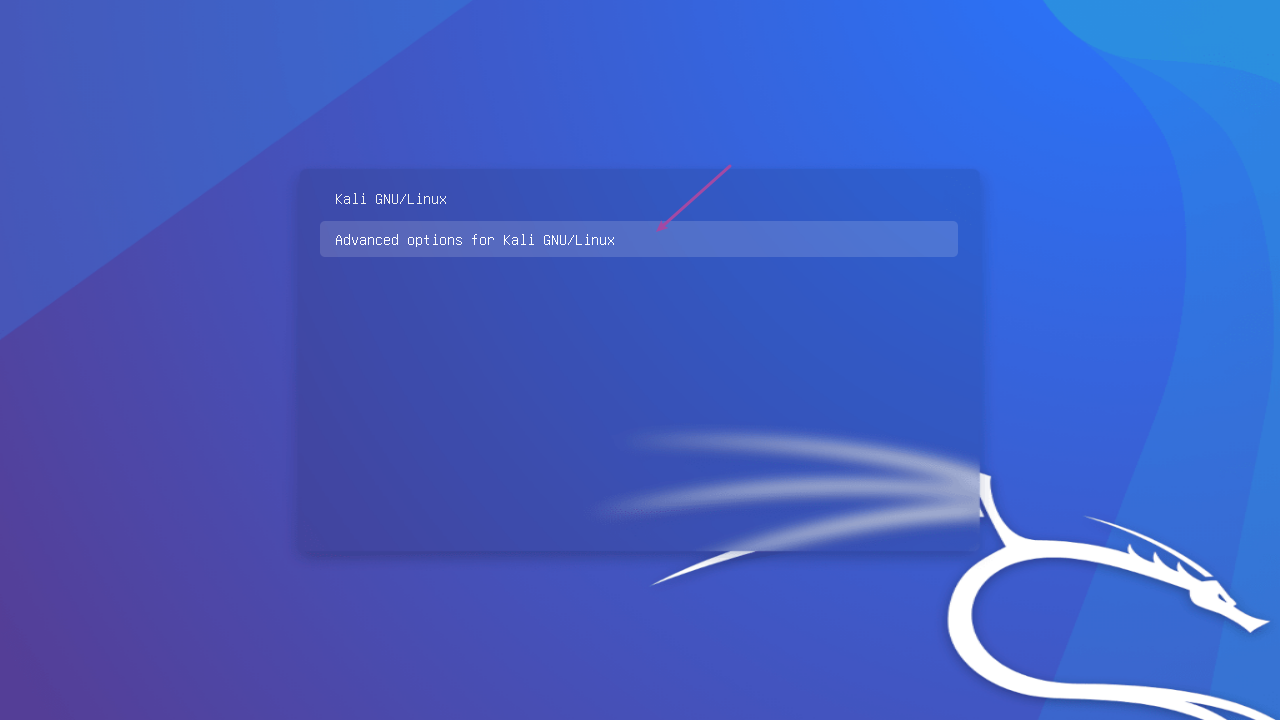
2. Press Enter to bring up the following screen, select the first entry, and press the "e" key on your keyboard: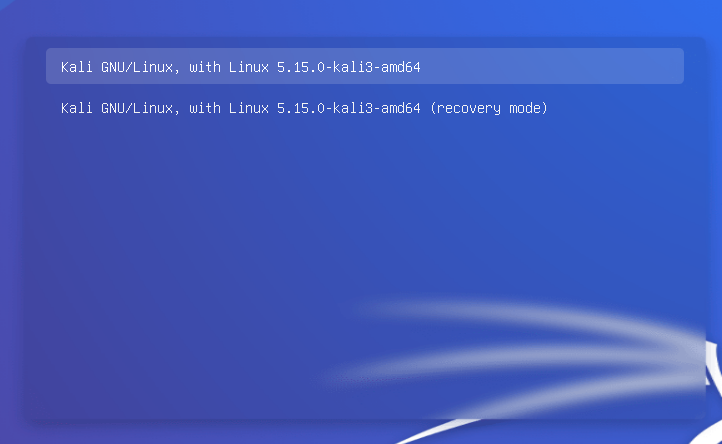
3. After pressing e, the following screen will appear: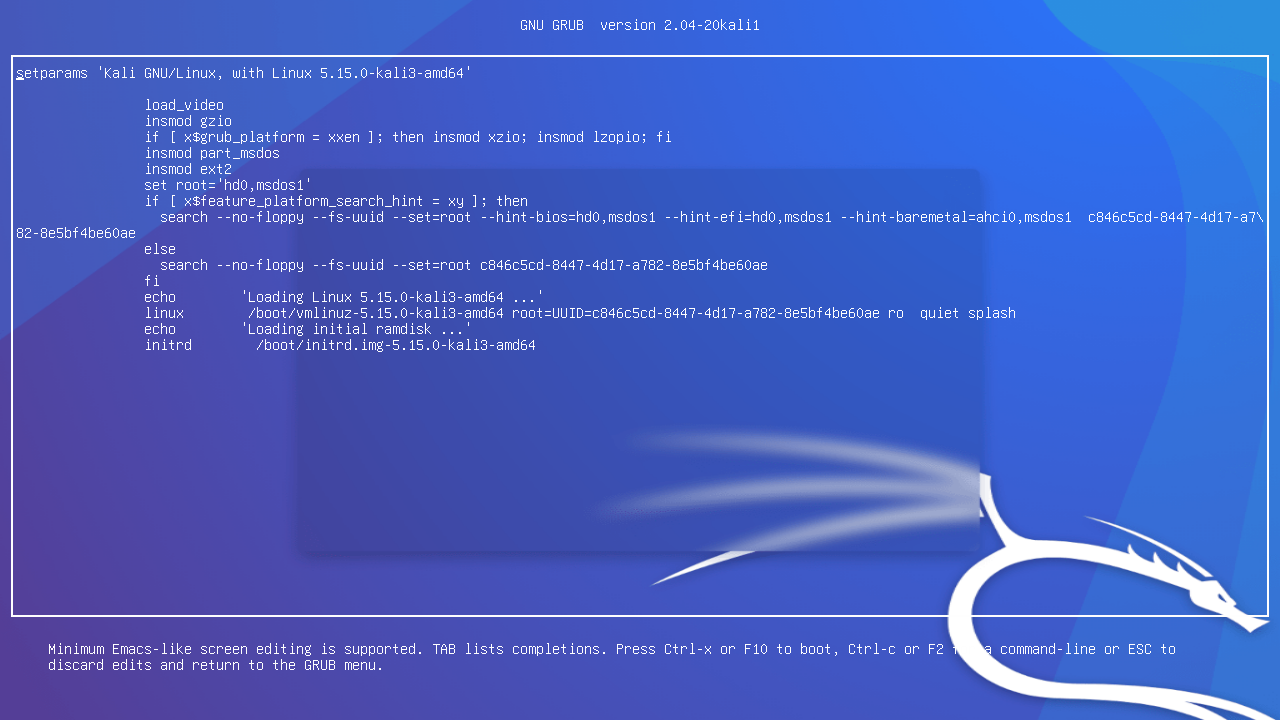
4. Use the up and down arrow keys to navigate to the following location: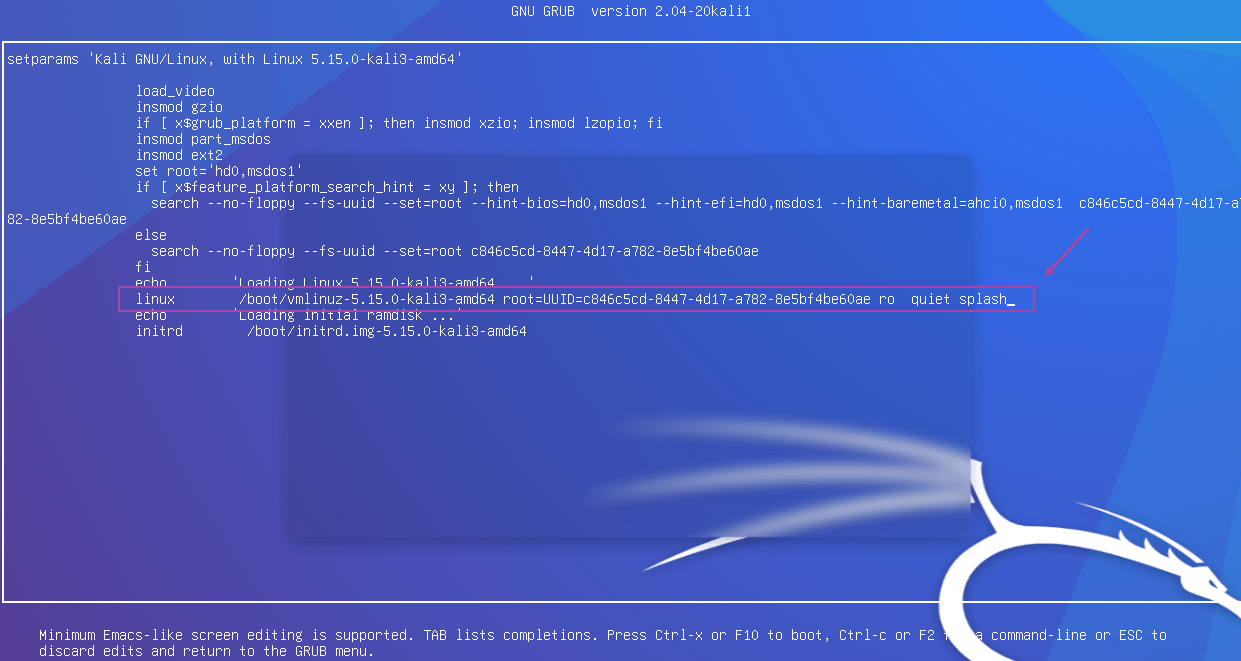
ro quiet splash
Change to
rw init=/bin/bash
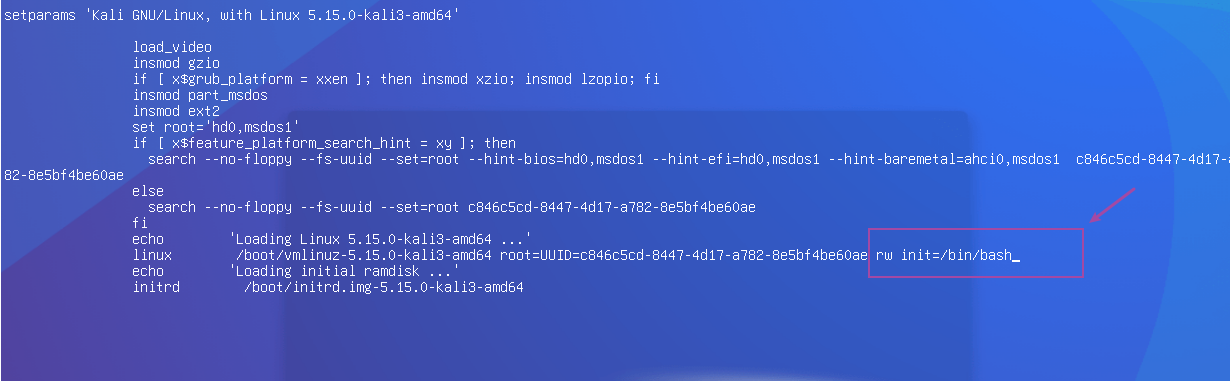
Press Ctrl+x or F10 to enter the following screen: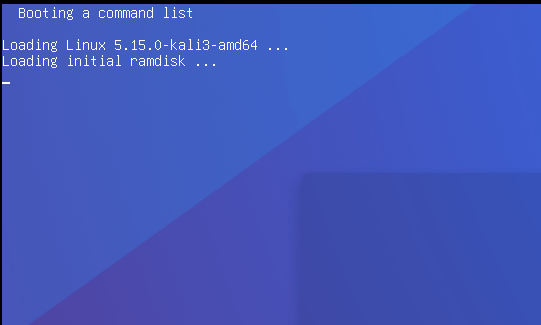
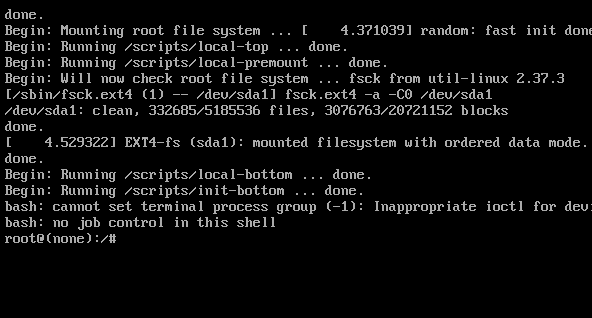
In the screen above, enter the following command. Taking the root password as an example:
passwd # To change another user’s password, use “passwd user”
Enter the new password twice: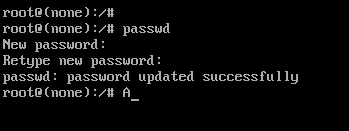
5. Restart the system, and you can then log in with the new password.