

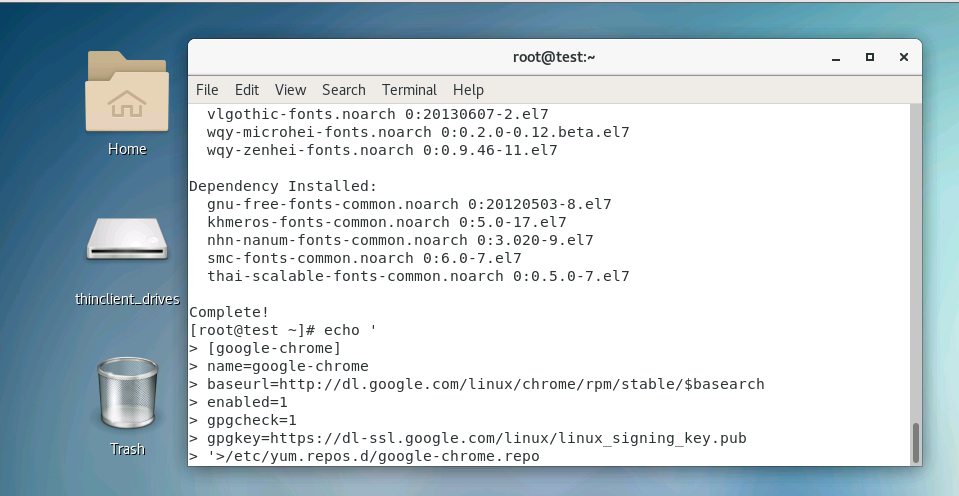
首先设置一个安装源:
echo '
[google-chrome]
name=google-chrome
baseurl=http://dl.google.com/linux/chrome/rpm/stable/$basearch
enabled=1
gpgcheck=1
gpgkey=https://dl-ssl.google.com/linux/linux_signing_key.pub
'>/etc/yum.repos.d/google-chrome.repo
安装:
yum -y install google-chrome-stable –nogpgcheck
或(国内主机无法安装时可以使用上面命令)
yum -y install google-chrome-stable
双击启动即可。
如安装后双击启动无反应,可以:
vim /usr/bin/google-chrome
把:
exec -a "$0" "$HERE/chrome" "$@"
改为以下即可:
exec -a "$0" "$HERE/chrome" "$@" –no-sandbox