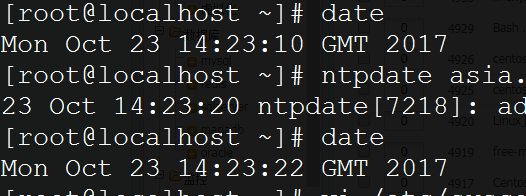
1. Modify the existing time settings:
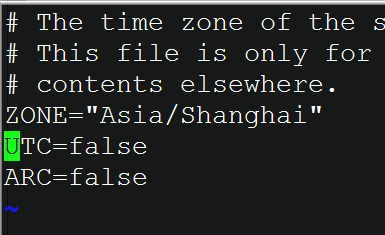
vi /etc/sysconfig/clock
Add the following content:
ZONE="Asia/Shanghai"UTC=falseARC=false
cp /usr/share/zoneinfo/Asia/Shanghai /usr/share/zoneinfo/Asia/Shanghai.bak #Backup
vi /usr/share/zoneinfo/Asia/Shanghai #The content appears garbled; ignore it. Note: if the ending is not GMT+8, change it to GMT+8 and save.
cp /usr/share/zoneinfo/Asia/Shanghai /etc/localtime
ntpdate asia.pool.ntp.org #Synchronize time