

Open a terminal session. This example uses the regular user “sjby365” to change the root password.
sudo passwd # After pressing Enter, you will be prompted to enter the password for the current account, as shown below
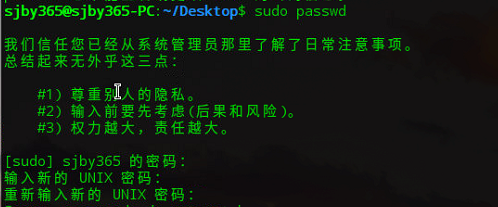
Enter new UNIX password: # Set the root password
Retype new UNIX password: # Confirm the root password