

Startup:
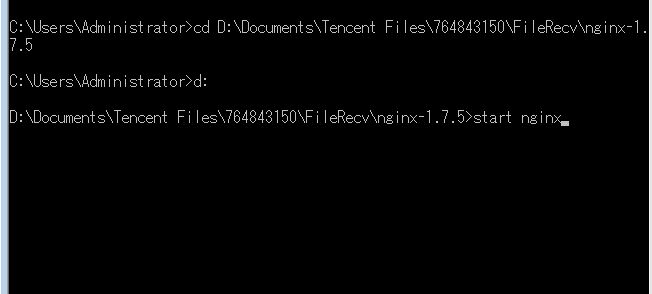
Navigate to the Nginx directory and double-click nginx.exe directly or run via cmd:
start nginx
Shutdown
nginx -s stop
or
nginx -s quit
stop means immediately stop Nginx without saving relevant information
quit means gracefully exit Nginx and save relevant information
Restart (required after configuration changes)
nginx -s reload