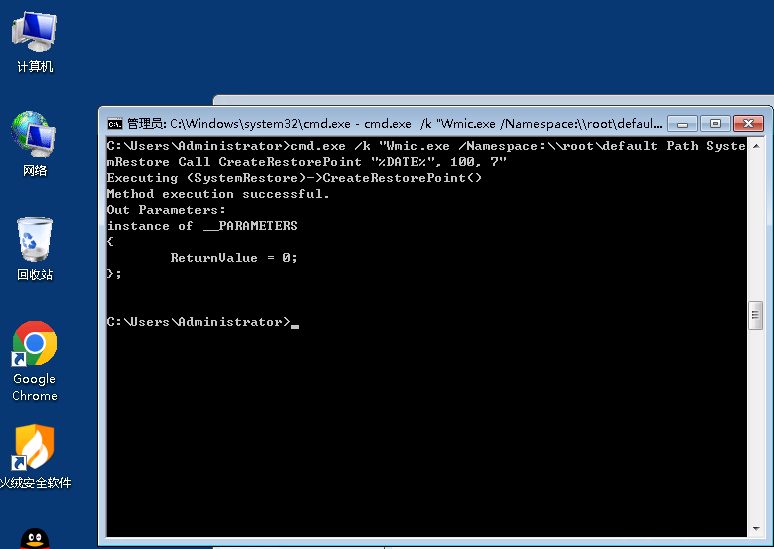
Enter the following command in the Run dialog:
cmd.exe /k "Wmic.exe /Namespace:\\root\default Path SystemRestore Call CreateRestorePoint "%DATE%", 100, 7"
To view system restore points: My Computer -> Properties -> System Protection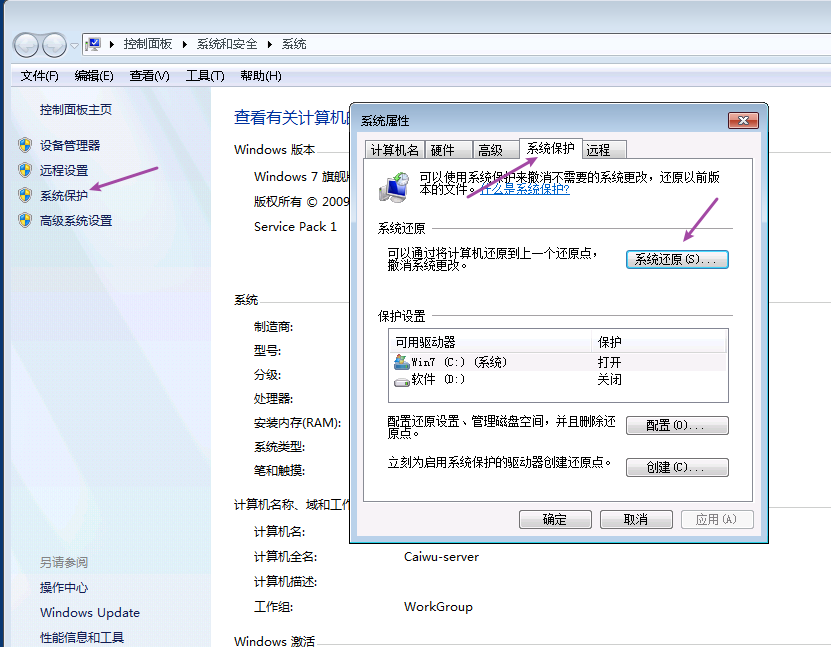
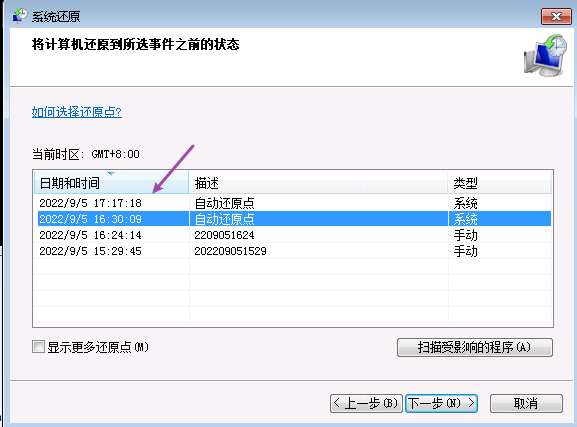
As you can see, the automatic restore point has been created successfully: