

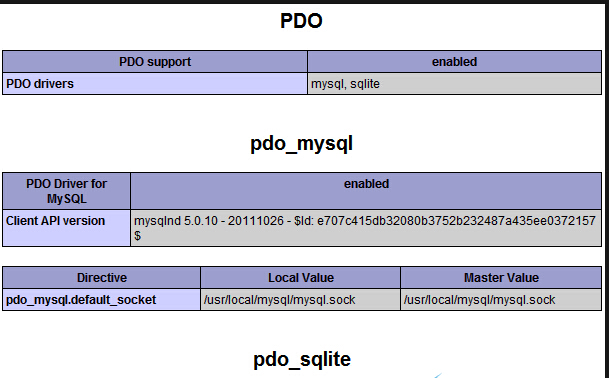
A default PHP installation only includes the commonly used default modules, leaving out less common or rarely used ones. Below, we’ll use the wdlinux panel to install pdo-mysql as an example. After a successful installation, you can verify it through a PHP probe:
wget http://pecl.php.net/get/PDO_MYSQL-1.0.2.tgztar zxvf PDO_MYSQL-1.0.2.tgzcd PDO_MYSQL-1.0.2/www/wdlinux/php/bin/phpize./configure –with-php-config=/www/wdlinux/php/bin/php-config –with-pdo-mysql=/www/wdlinux/mysqlmakemake install
Add it to the configuration file
# vi /www/wdlinux/etc/php.ini
Add the following line at the end
extension=pdo_mysql.so
Then restart your web service, for example
service httpd restartservice nginxd restart
The method for other modules is similar, though the names and references may differ.