

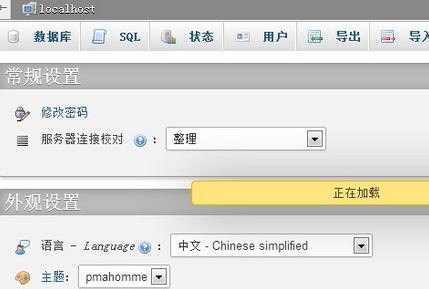
When opening phpMyAdmin, an HTTP 500 Internal Server Error appeared. In Firefox, it displayed “%1 is not a valid Win32 application.” After a quick Google search, I finally identified the problem: it was caused by a conflict between the 64-bit Windows Server 2003 operating system and the 32-bit IIS. The solution is as follows:
To run the 32-bit version of ASP.NET 2.0, follow these steps:
1. Click “Start,” click “Run,” type cmd, and then click “OK.”
2. Type the following command to enable 32-bit mode:
cscript %SYSTEMDRIVE%/inetpub/adminscripts/adsutil.vbs SET W3SVC/AppPools/Enable32bitAppOnWin64 1
3. Type the following command to install the ASP.NET 2.0 (32-bit) version and install the script maps at the IIS root directory:
%SYSTEMROOT%/Microsoft.NET/Framework/v2.0.50727/aspnet_regiis.exe -i
The third step might be unnecessary; decide based on your situation. For me, the issue was resolved after step 2.