

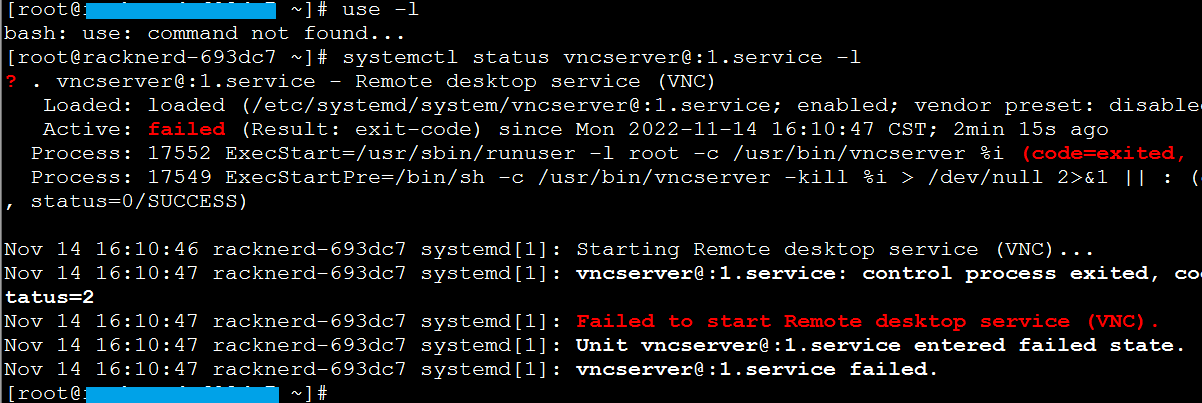
Since I had previously installed the Linux graphical interface, attempting to start vncserver after reinstalling resulted in an error. The error content is as follows:
Failed to start Remote desktop service (VNC)
Use the command to check the status:
systemctl status vncserver@:1.service
How to Fix
Remove residual files:
rm -rf /tmp/.X*
Start again:
systemctl start vncserver@:1.service