

If you encounter “550 create directory operation failed”, it is usually caused by the SELinux mechanism. Simply disabling SELinux will resolve it:
# vi /etc/selinux/config
Change SELINUX=XXX –>XXX represents the level
to
SELINUX=disabled
Or
setsebool -P ftpd_disable_trans on
Or alternatively
setsebool -P ftp_home_dir on
If the command cannot be executed and prompts:
Could not change active booleans: Invalid boolean
You can execute the following commands: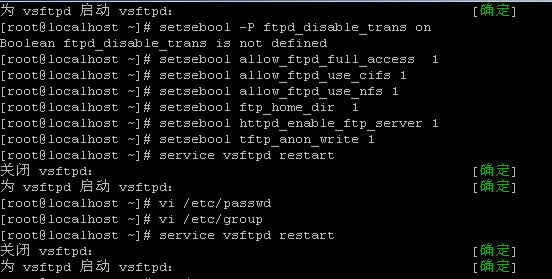
setsebool allow_ftpd_full_access 1
setsebool allow_ftpd_use_cifs 1
setsebool allow_ftpd_use_nfs 1
setsebool ftp_home_dir 1
setsebool httpd_enable_ftp_server 1
setsebool tftp_anon_write 1
Then restart vsftpd:
service vsftpd restart