

如果出现“550 create directory operation failed”,一般都是SELinux安装机制的事,只要disable SELinux就可以了:
# vi /etc/selinux/config
将 SELINUX=XXX –>XXX 代表级别
改为
SELINUX=disabled
或者
setsebool -P ftpd_disable_trans on
再或者
setsebool -P ftp_home_dir on
如果不能执行,提示:
Could not change active booleans: Invalid boolean
可以执行以下命令: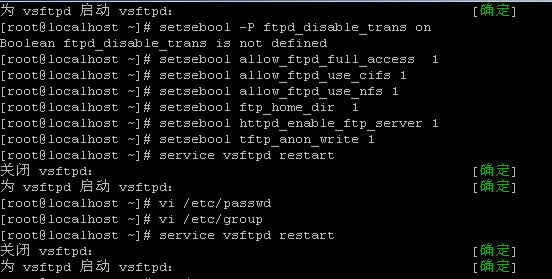
setsebool allow_ftpd_full_access 1
setsebool allow_ftpd_use_cifs 1
setsebool allow_ftpd_use_nfs 1
setsebool ftp_home_dir 1
setsebool httpd_enable_ftp_server 1
setsebool tftp_anon_write 1
重启vsftpd即可:
service vsftpd restart