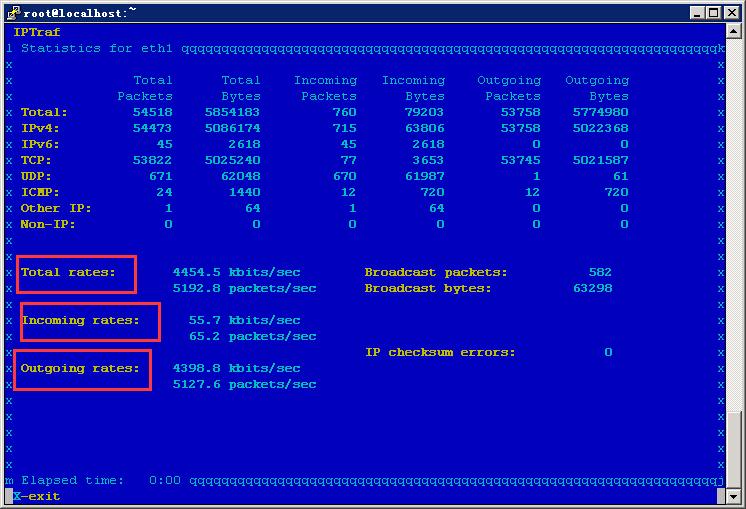
On Windows systems, we can use the Task Manager’s network status to view bandwidth usage. So, how can we check the bandwidth usage on a Linux host?
In fact, there are many ways to view network interface traffic under Linux. Let’s take the iptraf utility as an example:
iptraf is an excellent tool for viewing network status. RHEL5 includes it by default, but my CentOS system does not have it installed by default.
1. Installation:
Run the following command to quickly install it:
yum -y install iptraf
2. Run iptraf
iptraf
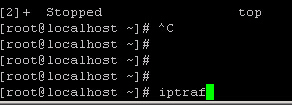
After confirming, it looks like this: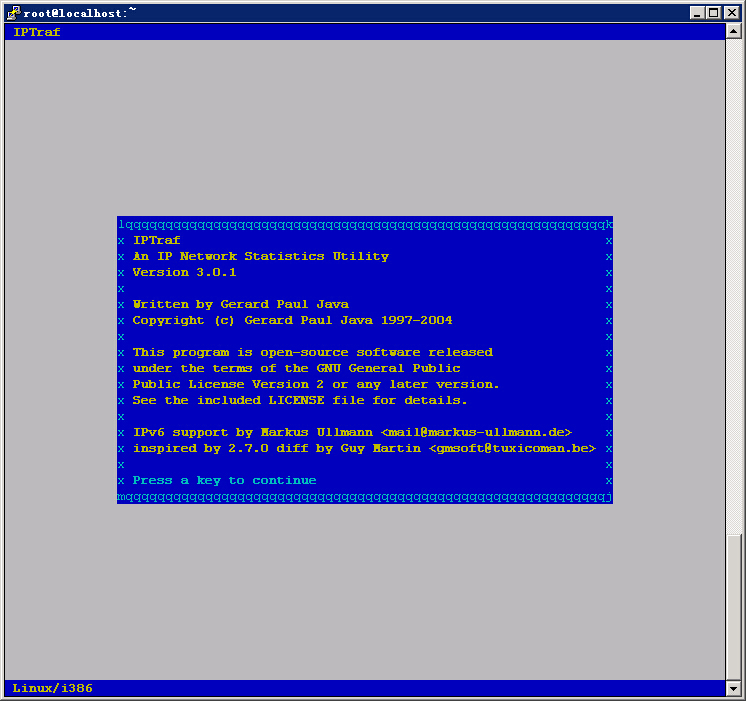
Press any key to continue, then select the third option, as shown below:
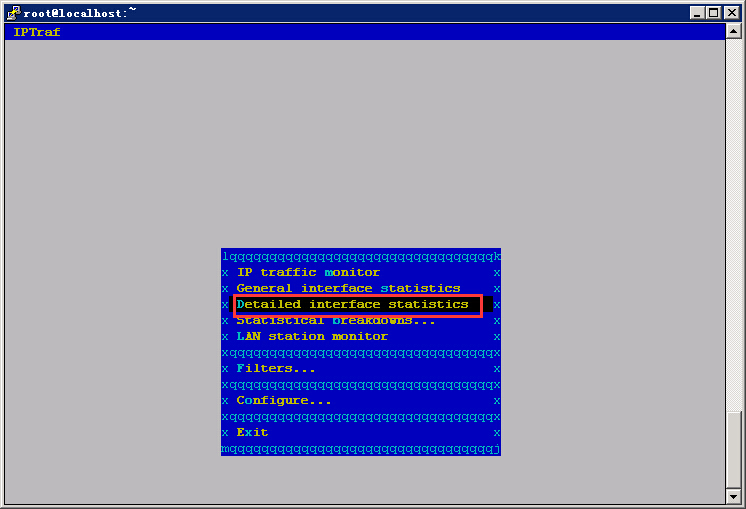
Next, select the network interface to use: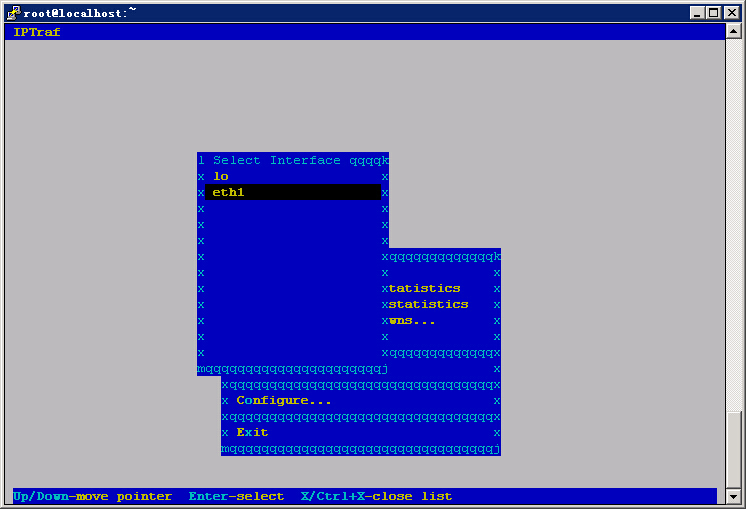
After pressing Enter, you can view total traffic, input, output, and other information: