

Accessing MySQL
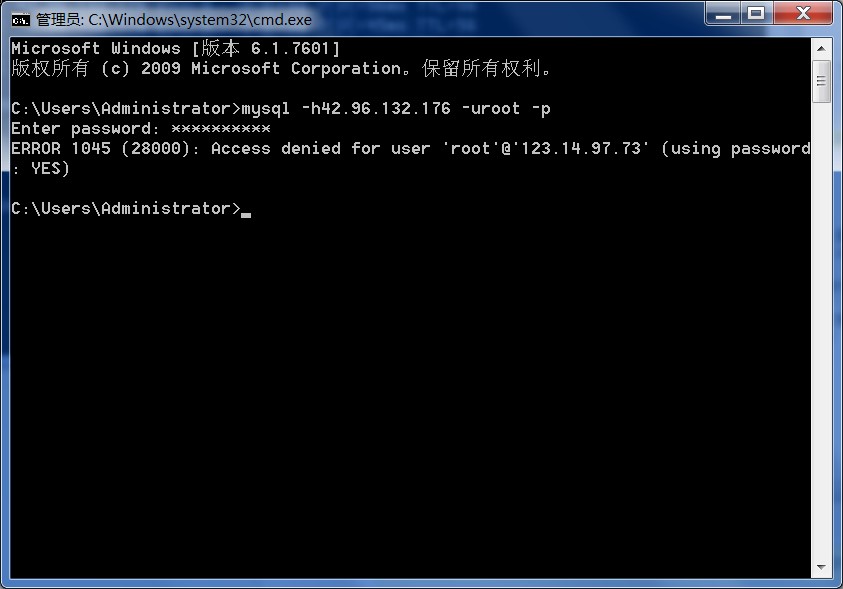
mysql -u root -p
password:123456
mysql> USE mysql; — Switch to the mysql DB Database changed mysql> — There is only one default root user, with an empty password, only allowing localhost connections mysql> — Next, we will add another new root user, with a password, only allowing connections from 192.168.1.1. If you want all machines to connect, set it to %.
mysql> GRANT ALL PRIVILEGES ON *.* TO root@"192.168.1.1" IDENTIFIED BY "123456";
mysql> — Of course, we can also directly use UPDATE to modify the root user’s Host, but this is not recommended. The SQL is as follows:
mysql> — UPDATE user SET Host='192.168.1.100' WHERE User='root' AND Host='localhost' LIMIT 1;
Modify the MySQL configuration file my.ini/my.cnf. Comment out the line bind-address = 127.0.0.1, i.e., change it to: #bind-address = 127.0.0.1 (if it exists)
At this point, the MySQL Server-side configuration is complete.