

How to Reset a GitLab User Password via Command Line
Sometimes resetting the password through the web interface doesn’t take effect, so you’ll need to use GitLab’s built-in console tool.
Here are the steps: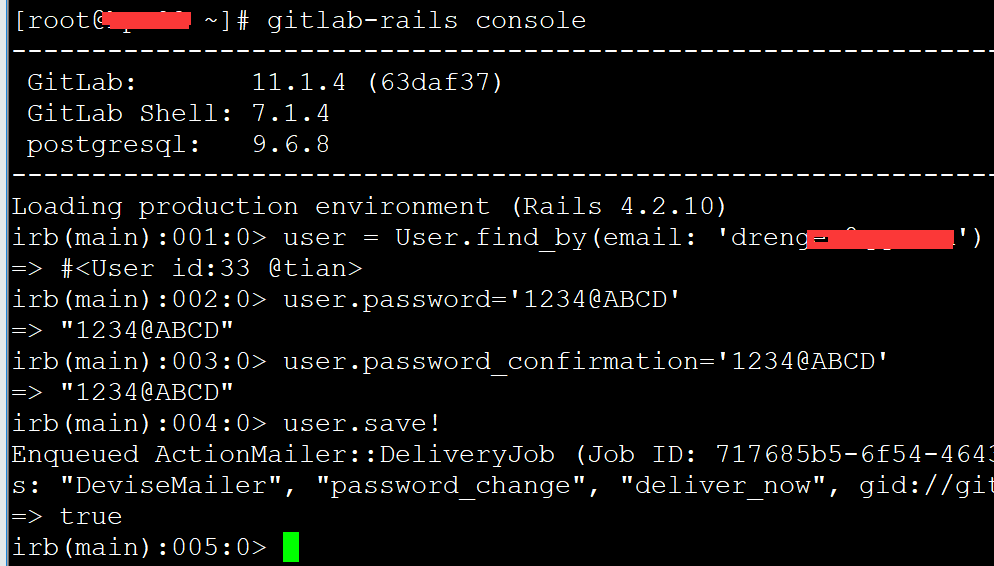
# Enter the GitLab console
gitlab-rails console
# Locate the user and reset the password (replace the email with your own)
user = User.find_by(email: '[email protected]')
user.password='1234ABCD'
user.password_confirmation='1234ABCD'
user.save!
# Exit the console
exit
Example output:
[root@hp-xx ~]# gitlab-rails console
————————————————————————————-
GitLab: 11.1.4 (63daf37)
GitLab Shell: 7.1.4
postgresql: 9.6.8
————————————————————————————-
Loading production environment (Rails 4.2.10)
irb(main):001:0> user = User.find_by(email: '[email protected]')
=> #<User id:33 @tian>
irb(main):002:0> user.password='1234@ABCD'
=> "1234@ABCD"
irb(main):003:0> user.password_confirmation='1234@ABCD'
=> "1234@ABCD"
irb(main):004:0> user.save!
Enqueued ActionMailer::DeliveryJob (Job ID: 717685b5-6f54-4643-9d56-e55339b3f299) to Sidekiq(mailers) with arguments: "DeviseMailer", "password_change", "deliver_now", gid://gitlab/User/33
=> true
irb(main):005:0>