This usually happens because docker-compose is not installed on your system. You can fix it by installing docker-compose.
Download the docker-compose package with the following command:
wget https://github.com/docker/compose/releases/download/1.14.0-rc2/docker-compose-Linux-x86_64
4. Rename the binary to docker-compose and move it to a system executable directory with the following command:
mv docker-compose-Linux-x86_64 /usr/local/bin/docker-compose
5. Make the file executable using the command below:
chmod +x /usr/local/bin/docker-compose
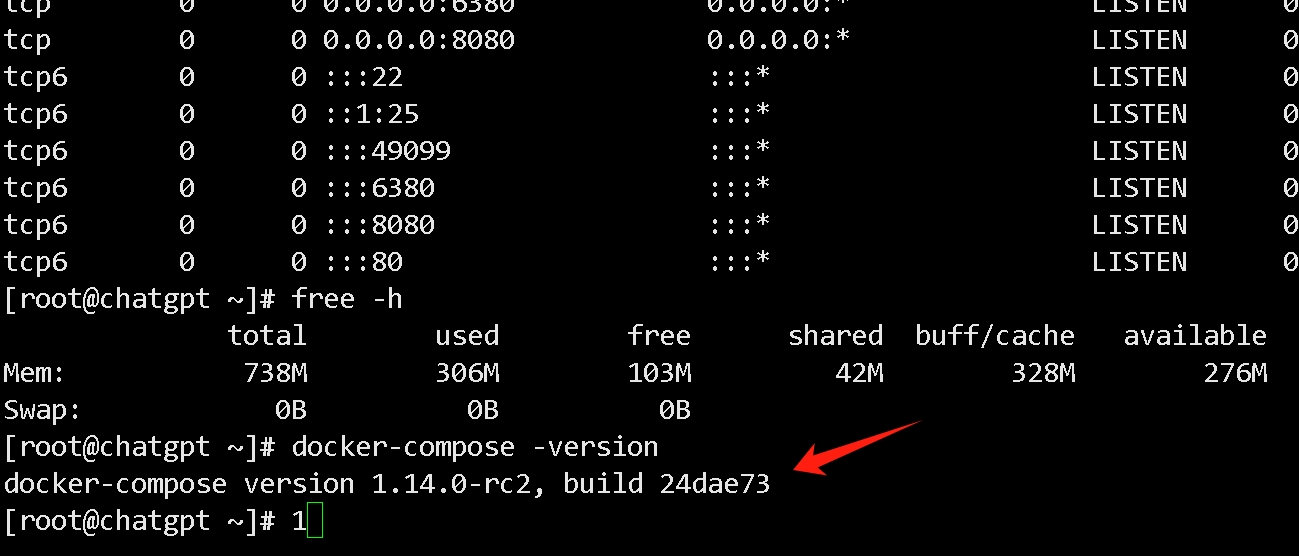
6. Verify the installation by running the following command. If successful, you will see version information like this:
docker-compose -version