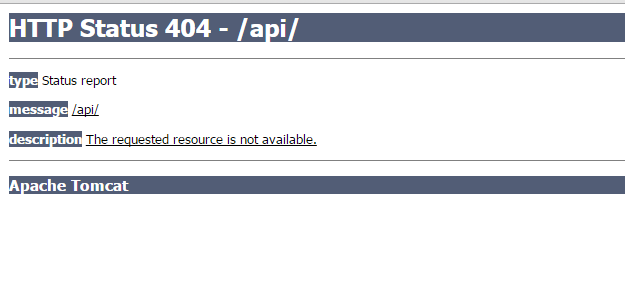
Sometimes for server security, a lot of information should not be exposed, and this includes the version number of the Tomcat server.
Before modification: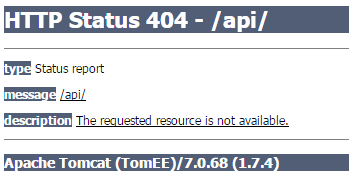
1. Navigate to the Tomcat installation path (using /usr/local/tomcat as an example):
cd /usr/local/tomcat/lib
unzip catalina.jar
cd org/apache/catalina/util
vim ServerInfo.properties
2. Go to the bottom and find information similar to the following (the exact info varies by version):
server.info=Apache Tomcat/7.0.68
server.number=7.0.68.0
server.built=Jun 30 2016 01:59:37
Modify it to the following and save:
server.info=Apache Tomcat
server.number=0.0.0.0
server.built=Jun 30 2016 01:59:37
Compress the modified information back into the jar package:
cd /usr/local/tomcat/lib
jar uvf catalina.jar org/apache/catalina/util/ServerInfo.properties
3. Restart Tomcat:
service tomcat restart
4. Verification:
After modification: