

Virtual Hostin a IPAddressprovide service . if has in VPS IPAddress, is very has .
in this , let how to setting in Ubuntu 14.04 LTS Apacheserver setting Virtual Host. Note, this for Ubuntu14.04 32.
not can in Ubuntu or Ubuntu (can can process is ) .
Solution
in this , use Ubuntu 14.04 32 LTS, 2respectively “unixmen1.local” and “unixmen2.local”. respectively 192.168.1.250/24 and server.unixmen.local. can according to need .
Apacheserver
apacheserver , we we Ubuntuserver :
- sudo apt–get update
then , command apachenetwork server :
- sudo apt–get install apache2
apacheserver , let we via this URL http:// server IPAddress/ server is 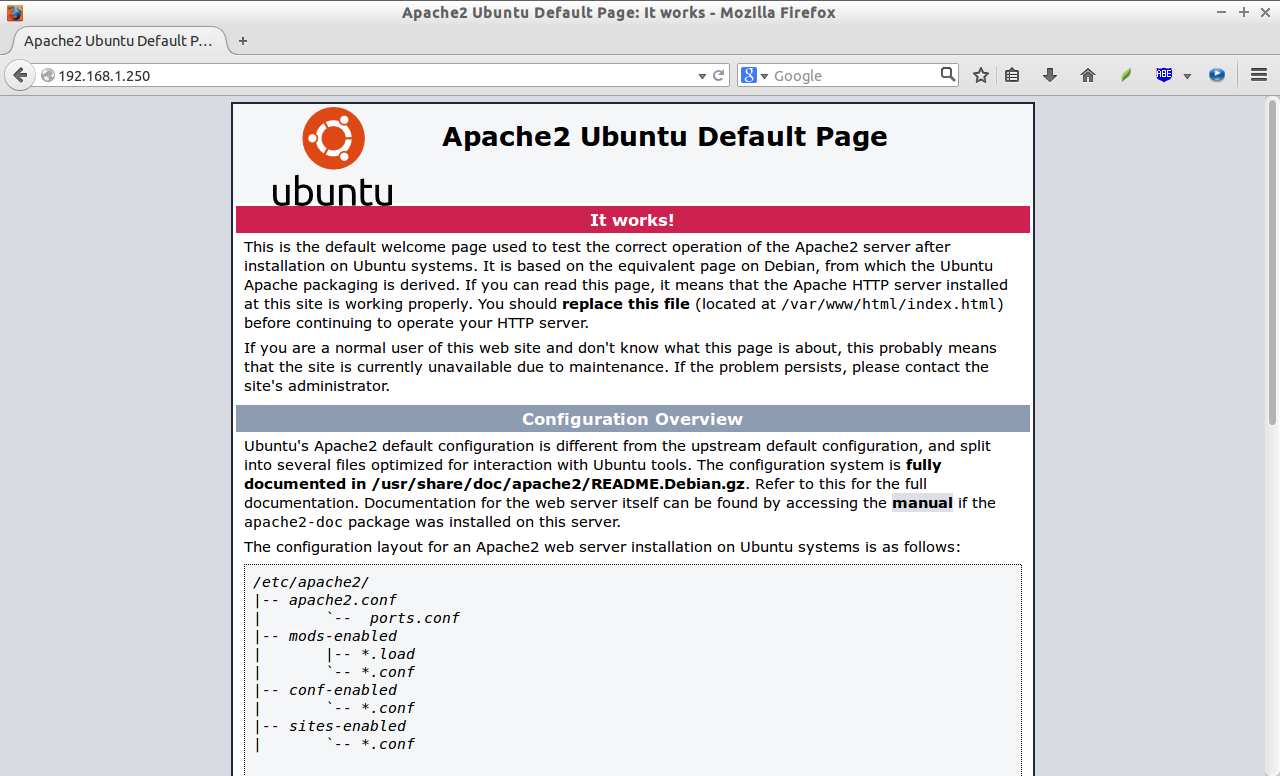
, apacheserver already .
setting Virtual Host
1.directory
in , let we . , to 2respectively “unixmen1.local” and “unixmen2.local”.
a file data .
, let we unixmen1.localthis a directory :
- sudo mkdir –p /var/www/unixmen1.local/public_html
, for unixmen2.locala directory :
- sudo mkdir –p /var/www/unixmen2.local/public_html
2. setting all and Permission
directory in has roothas Permission. we need 2directory has user , not is rootuser .
- sudo chown –R $USER:$USER /var/www/unixmen1.local/public_html/
- sudo chown –R $USER:$USER /var/www/unixmen2.local/public_html/
“$USER” Loginuser .
setting apachedirectory (/var/www) directory , each all can from directory file .
- sudo chmod –R 755 /var/www/
, we some file network data to Permission and user .
4.
in , we . , let we unixmen1.locala .
unixmen1.locala ,
- sudo vi /var/www/unixmen1.local/public_html/index.html
the following :
- www.unixmen1.local
-
Welcome To Unixmen1.local website
file .
, to .
- sudo vi /var/www/unixmen2.local/public_html/index.html
the following :
- www.unixmen2.local
-
Welcome To Unixmen2.local website
file .
5. configuration file
, apachehas a file 000-default.conf. we will 000-default.conffile to we configuration file .
- sudo cp /etc/apache2/sites–available/000–default.conf /etc/apache2/sites–available/unixmen1.local.conf
- sudo cp /etc/apache2/sites–available/000–default.conf /etc/apache2/sites–available/unixmen2.local.conf
configuration file .conf.
in , unximen1.local.conffile .
- sudo vi /etc/apache2/sites–available/unixmen1.local.conf
in unixmen1 (: “#” can . ) .
- # The ServerName directive sets the request scheme, hostname and port that
- # the server uses to identify itself. This is used when creating
- # redirection URLs. In the context of virtual hosts, the ServerName
- # specifies what hostname must appear in the request's Host: header to
- # match this virtual host. For the default virtual host (this file) this
- # value is not decisive as it is used as a last resort host regardless.
- # However, you must set it for any further virtual host explicitly.
- #ServerName www.example.com
- ServerAdmin [email protected]
- ServerName unixmen1.local
- ServerAlias www.unixmen1.local
- DocumentRoot /var/www/unixmen1.local/public_html
- # Available loglevels: trace8, …, trace1, debug, info, notice, warn,
- # error, crit, alert, emerg.
- # It is also possible to configure the loglevel for particular
- # modules, e.g.
- #LogLevel info ssl:warn
- ErrorLog ${APACHE_LOG_DIR}/error.log
- CustomLog ${APACHE_LOG_DIR}/access.log combined
- # For most configuration files from conf-available/, which are
- # enabled or disabled at a global level, it is possible to
- # include a line for only one particular virtual host. For example the
- # following line enables the CGI configuration for this host only
- # after it has been globally disabled with "a2disconf".
- #Include conf-available/serve-cgi-bin.conf
, file .
- sudo vi /etc/apache2/sites–available/unixmen2.local.conf
in unixmen2 .
- # The ServerName directive sets the request scheme, hostname and port that
- # the server uses to identify itself. This is used when creating
- # redirection URLs. In the context of virtual hosts, the ServerName
- # specifies what hostname must appear in the request's Host: header to
- # match this virtual host. For the default virtual host (this file) this
- # value is not decisive as it is used as a last resort host regardless.
- # However, you must set it for any further virtual host explicitly.
- #ServerName www.example.com
- ServerAdmin [email protected]
- ServerName unixmen2.local
- ServerAlias www.unixmen2.local
- DocumentRoot /var/www/unixmen2.local/public_html
- # Available loglevels: trace8, …, trace1, debug, info, notice, warn,
- # error, crit, alert, emerg.
- # It is also possible to configure the loglevel for particular
- # modules, e.g.
- #LogLevel info ssl:warn
- ErrorLog ${APACHE_LOG_DIR}/error.log
- CustomLog ${APACHE_LOG_DIR}/access.log combined
- # For most configuration files from conf-available/, which are
- # enabled or disabled at a global level, it is possible to
- # include a line for only one particular virtual host. For example the
- # following line enables the CGI configuration for this host only
- # after it has been globally disabled with "a2disconf".
- #Include conf-available/serve-cgi-bin.conf
file , configuration (000.default.conf), then configuration , .
- sudo a2dissite 000–default.conf
- sudo a2ensite unixmen1.local.conf
- sudo a2ensite unixmen2.local.conf
, apacheserver .
- sudo service apache2 restart
is . in , we configuration apachin we Ubuntuserver
Editor/etc/hostsfile ,
- sudo vi /etc/hosts
in file .
- 192.168.1.250 unixmen1.local
- 192.168.1.250 unixmen2.local
file .
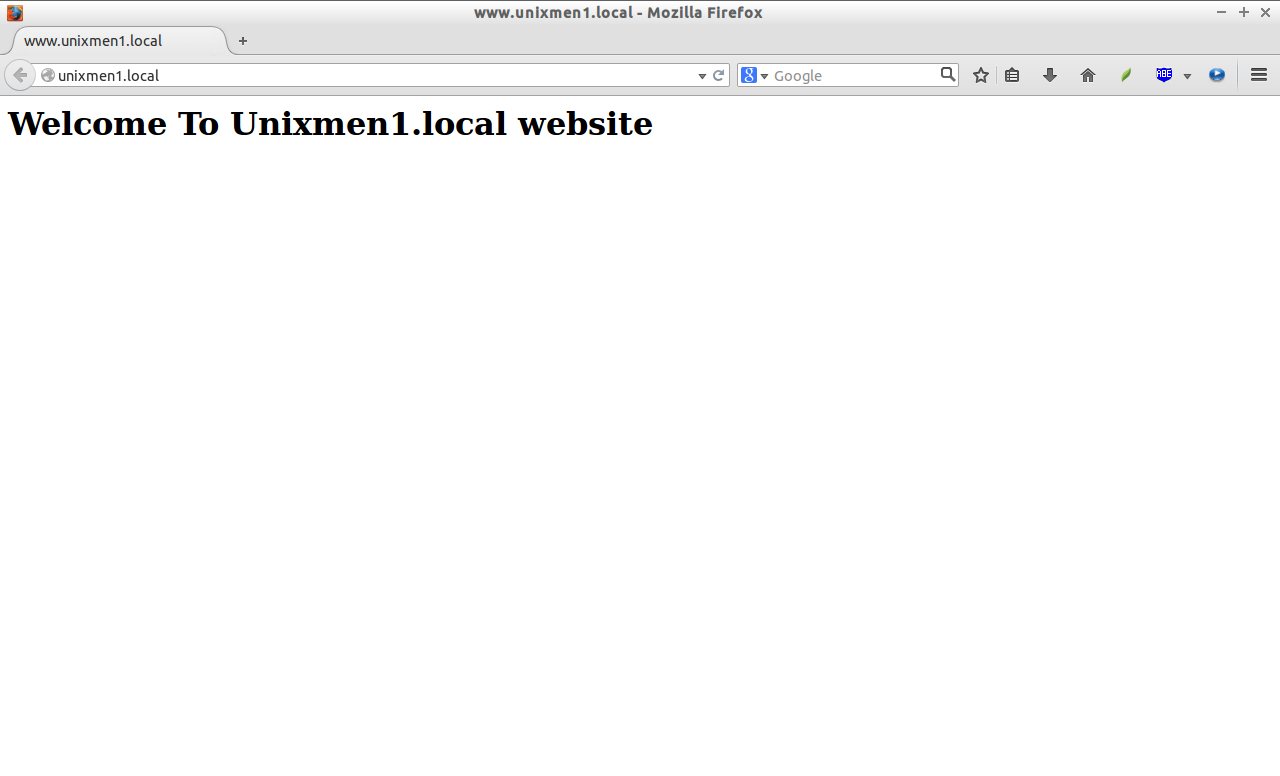
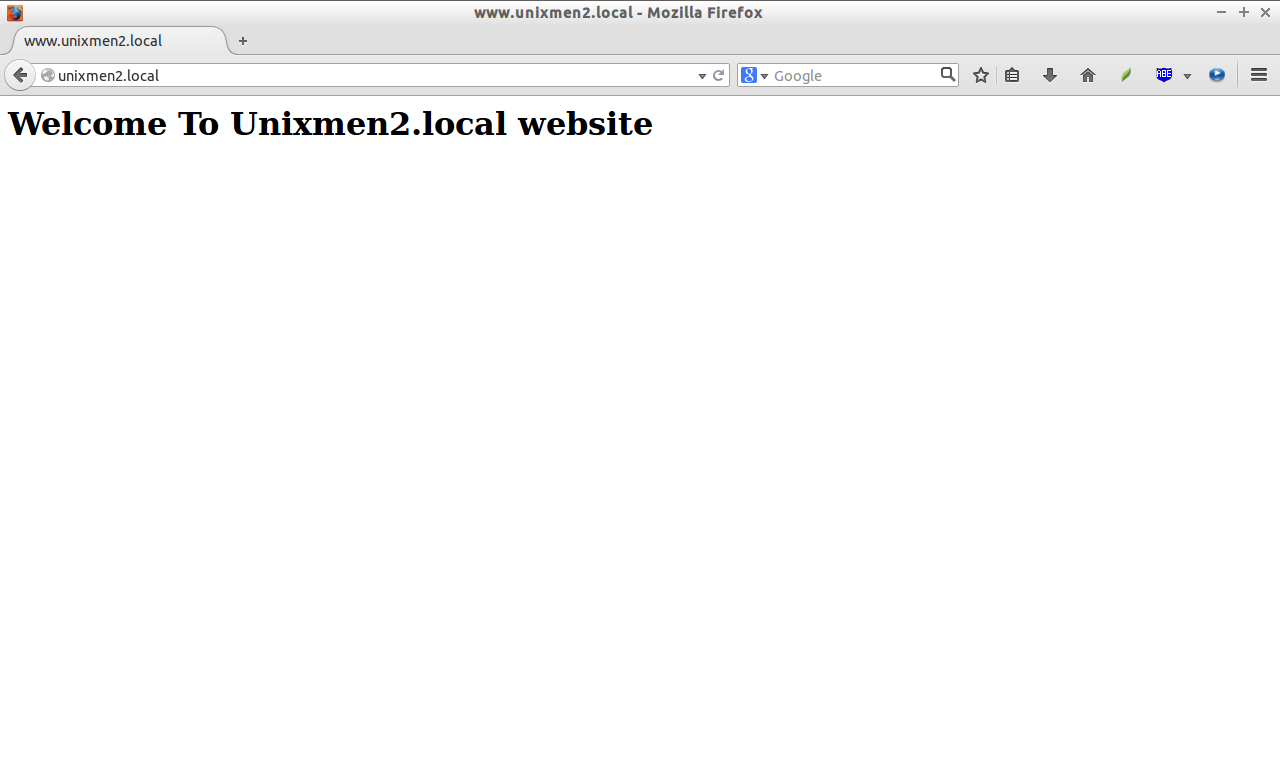
http://unixmen1.local or http://unixmen2.local. will to we .
Unixmen1.local :
Unixmen2.local
if from system these , need in DNSserver . not , no and DNSserver , via system Test, .
Cheers!
via: http://www.unixmen.com/setup-virtual-hosts-apache-ubuntu-14-04-lts/