

KubeSphere is an excellent tool for managing Kubernetes. Its architecture allows third-party applications to integrate with cloud-native ecosystem components in a plug-and-play manner, supporting unified distribution and operational management of cloud-native apps across multiple clouds and clusters.
Let's take a look at how to perform a simple installation:
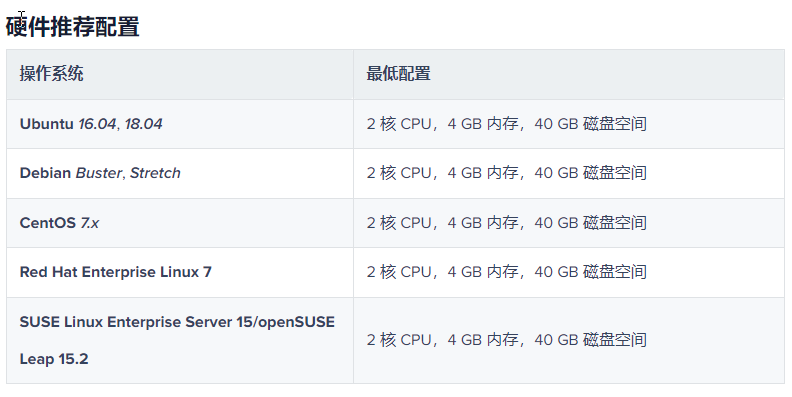
Installation commands (using the latest version as an example):
yum -y install conntrack-tools #Install conntrack, otherwise the process cannot continue.
curl -sfL https://get-kk.kubesphere.io | VERSION=v1.2.0 sh – #Download the latest kk tool
chmod +x kk #Grant execute permission
./kk create cluster –with-kubernetes v1.21.5 –with-kubesphere v3.2.0 #Install specified versions
After installation, you will see the following prompt:
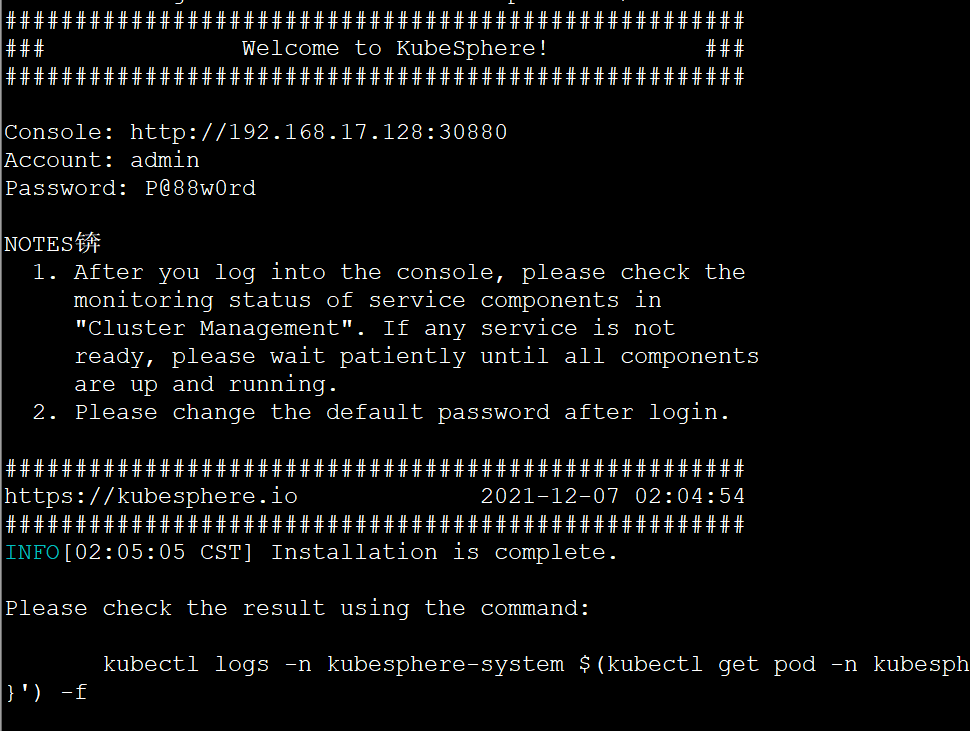
View installation logs:
kubectl logs -n kubesphere-system $(kubectl get pod -n kubesphere-system -l app=ks-install -o jsonpath='{.items[0].metadata.name}') -f
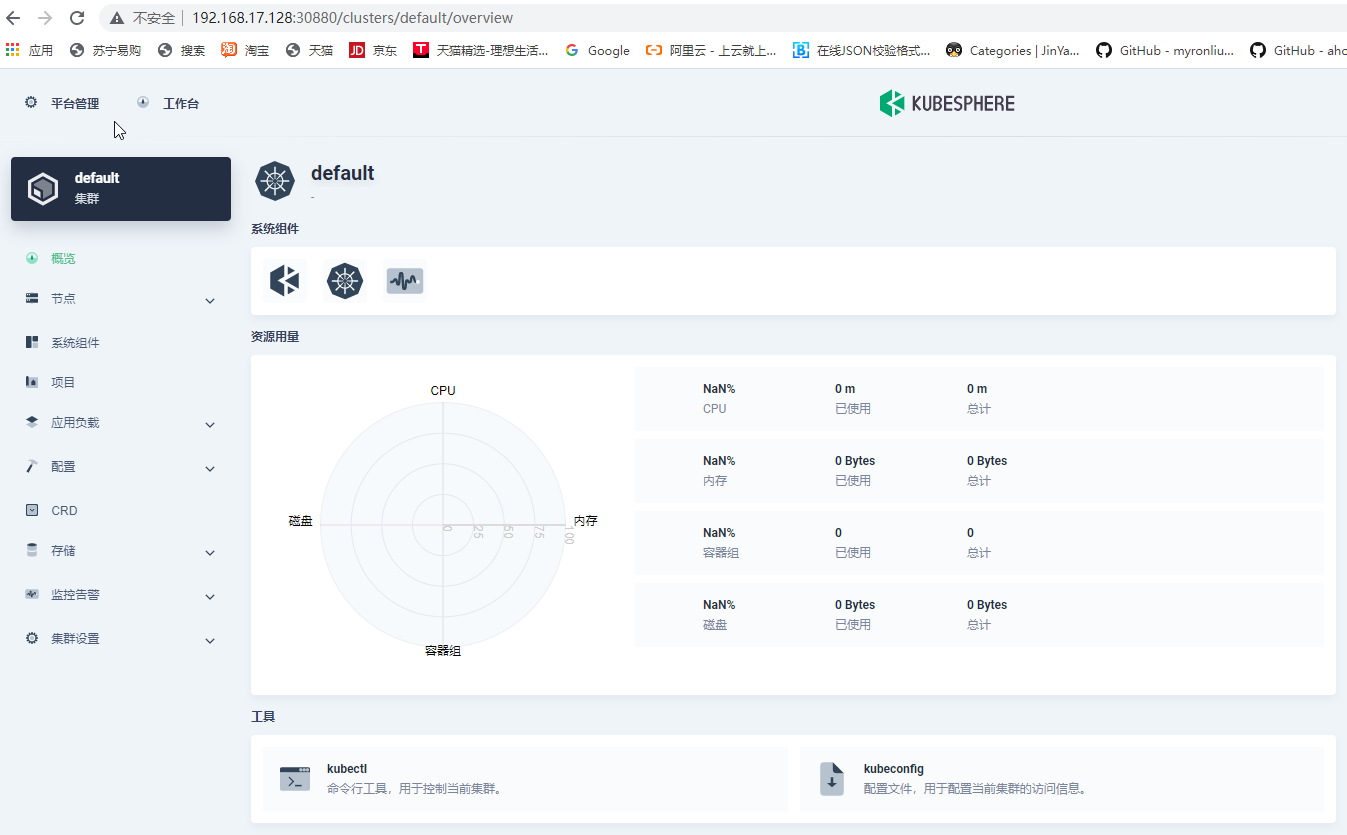
Follow the prompt to access the dashboard. It looks like this:
http://192.168.17.128:30880
Official installation documentation reference: https://kubesphere.io/zh/docs/quick-start/all-in-one-on-linux