Today, while helping a client troubleshoot a system that could not be accessed remotely, I ran into an issue. I checked that port 3389 was open, the Terminal Services service was running normally, and the firewall was turned off, yet the host still couldn’t be reached remotely, although connections worked from within the host itself.
After further questioning, I found out the client had applied a security policy that restricted access, but they didn’t know what settings were changed or how to revert them. I searched online and found a fairly reliable method to share with you all:
1. Start -> Run -> services.msc to open the Services list.
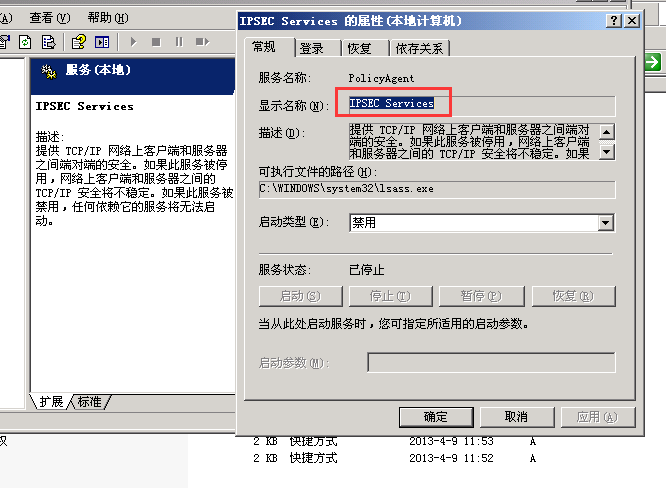
2. Find the service starting with “ipsec”, double-click it, and disable it: