

IIS ran into some issues, so I decided to reinstall it. During the IIS installation, it kept failing to copy the convlog.exe file.
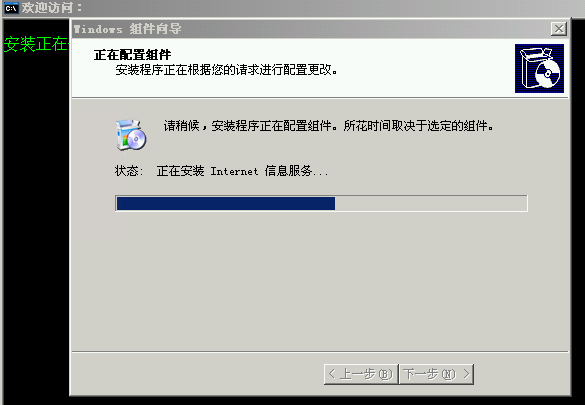
This happens because the system’s internal database is corrupted. Repairing the damaged data file will allow the installation to proceed normally.
Here’s the fix (Start > Run > type CMD > then enter the following command):
esentutl /p %windir%/security/database/secedit.sdb (Repairs the secedit.sdb file)
After doing this, the convlog.exe file can be installed successfully.