

RDesktop is an excellent tool for remotely accessing Windows from Linux.
For installation instructions, refer to: Using rdesktop to Remote into a Windows Host on Linux
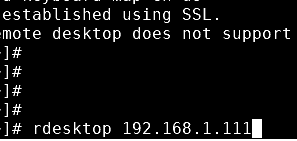
Basic command:
rdesktop 192.168.1.xxx
Connecting with username and password:
rdesktop 192.168.1.xxx -u administrator -p password
Displaying the window at 90% of the main screen size:
rdesktop 192.168.1.xxx -g 90% -u administrator -p 123456
Connecting with a specific resolution:
rdesktop -g 1280×1024 -u administrator -p 123456
Other: The -f parameter can also be used for fullscreen.