

1. Yum Installation
Linux Environment: CentOS 6.x x64
1. Install
yum install pure-ftpd -y
vim /etc/pure-ftpd/pure-ftpd.conf
PureDB /etc/pure-ftpd/pureftpd.pdb # Remove the leading comment
VerboseLog yes # Change to yes
NoAnonymous yes # Change to yes, deny anonymous login
PassivePortRange 30000 50000 # Remove the leading comment, use passive mode, limit the port range.
2. Create an Account and Configure Permissions
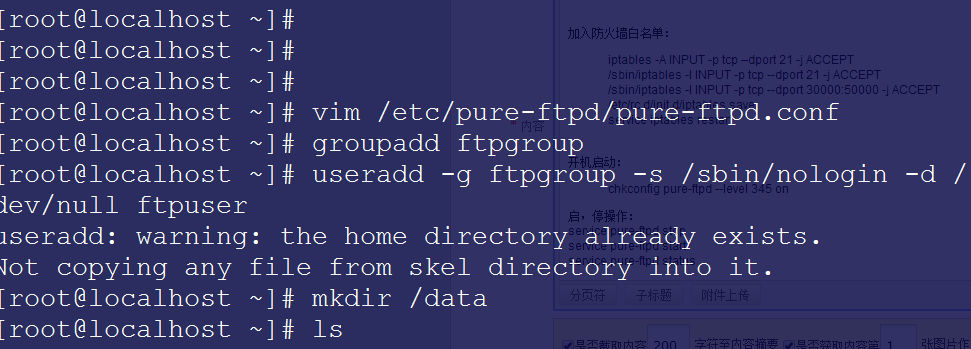
groupadd ftpgroup
useradd -g ftpgroup -s /sbin/nologin -d /dev/null ftpuser
3. Create a Virtual Account
mkdir /data/ftp -p # Create the FTP directory
pure-pw useradd by365 -d /data/ftp/ -u ftpuser -m
4. Configure Directory Permissions
chown ftpuser.ftpgroup /data/ftp/ -R
5. Add to Firewall Whitelist:
iptables -A INPUT -p tcp –dport 21 -j ACCEPT
/sbin/iptables -I INPUT -p tcp –dport 21 -j ACCEPT
/sbin/iptables -I INPUT -p tcp –dport 30000:50000 -j ACCEPT
/etc/rc.d/init.d/iptables save
service iptables restart
6. Enable at Boot:
chkconfig pure-ftpd –level 345 on
7. Start and Stop Operations:
service pure-ftpd stop
service pure-ftpd start
service pure-ftpd status