

Yum stores downloaded packages and headers in its cache without automatically removing them.
If you find they are taking up disk space, you can use the yum clean command to clear them. More precisely, use yum clean headers to remove headers, yum clean packages to remove downloaded RPM packages, and yum clean all to wipe everything out at once.
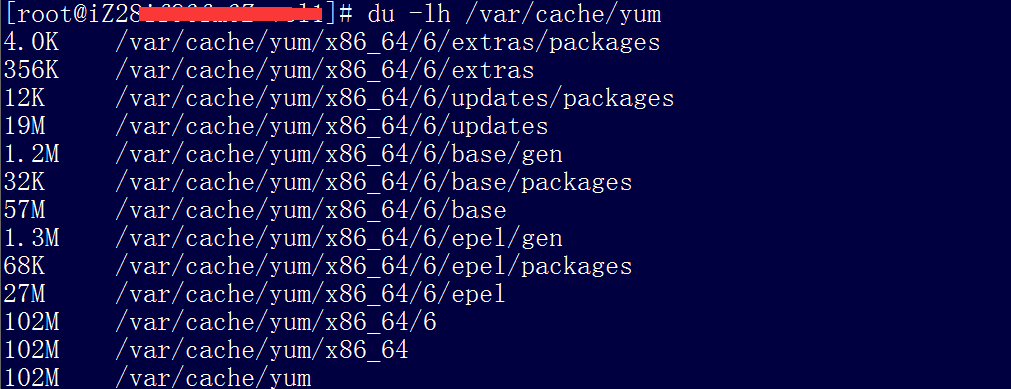
You can check the usage with the following command:
du -lh /var/cache/yum
1. Clear packages from the cache directory (/var/cache/yum)
Command:
yum clean packages
2. Clear headers from the cache directory (/var/cache/yum)
Command:
yum clean headers
3. Clear old headers from the cache directory (/var/cache/yum)
Command:
yum clean oldheaders