

To install a single package
yum -y install httpd
To install multiple similar packages
yum -y install httpd*
To install multiple unrelated packages
yum -y install httpd php php-gd mysql
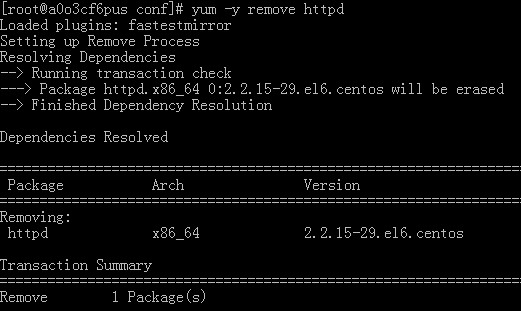
To remove a single package
yum -y remove httpd
To remove multiple similar packages
yum -y remove httpd*
To remove multiple unrelated packages
yum -y remove httpd php php-gd mysql
=======================================
There is another very useful trick
If I want to run the iostat command to check CPU and storage device status, but find the command is not available
Then running yum install iostat returns that the package cannot be found. The following approach can solve this
yum search iostat will find the installation packages related to iostat,
Additionally, if you want to install a program but only remember part of its name, you can also use this method to install it
There is another very useful trick
If I want to run the iostat command to check CPU and storage device status, but find the command is not available
Then running yum install iostat returns that the package cannot be found. The following approach can solve this
yum search iostat will find the installation packages related to iostat,
Additionally, if you want to install a program but only remember part of its name, you can also use this method to install it
yum search png |grep png
You can find the name libpng, which is the package we want to install