


Webmin is an open-source, web-based system administration tool for Unix/Linux. Using Webmin, you can set up and install all system services directly from your browser, including DNS, DHCP, Apache, NFS, and Samba. With this tool, you no longer need to memorize all the configuration commands.
Install Webmin on Ubuntu 14.04 LTS Using the Official Repository
Add the official Webmin repository:
Edit /etc/apt/sources.list,
- sudo vi /etc/apt/sources.list
Add the following content:
- deb http://download.webmin.com/download/repository sarge contrib
- deb http://webmin.mirror.somersettechsolutions.co.uk/repository sarge contrib
Add the GPG key:
- sudo wget http://www.webmin.com/jcameron-key.asc
- sudo apt-key add jcameron-key.asc
Update the software sources:
- sudo apt-get update
Install Webmin with the following command:
- sudo apt-get install webmin
If you want to access the Webmin console from a remote system, open Webmin’s default port “10000” in the firewall.
- sudo ufw allow 10000
Accessing the Webmin Control Panel
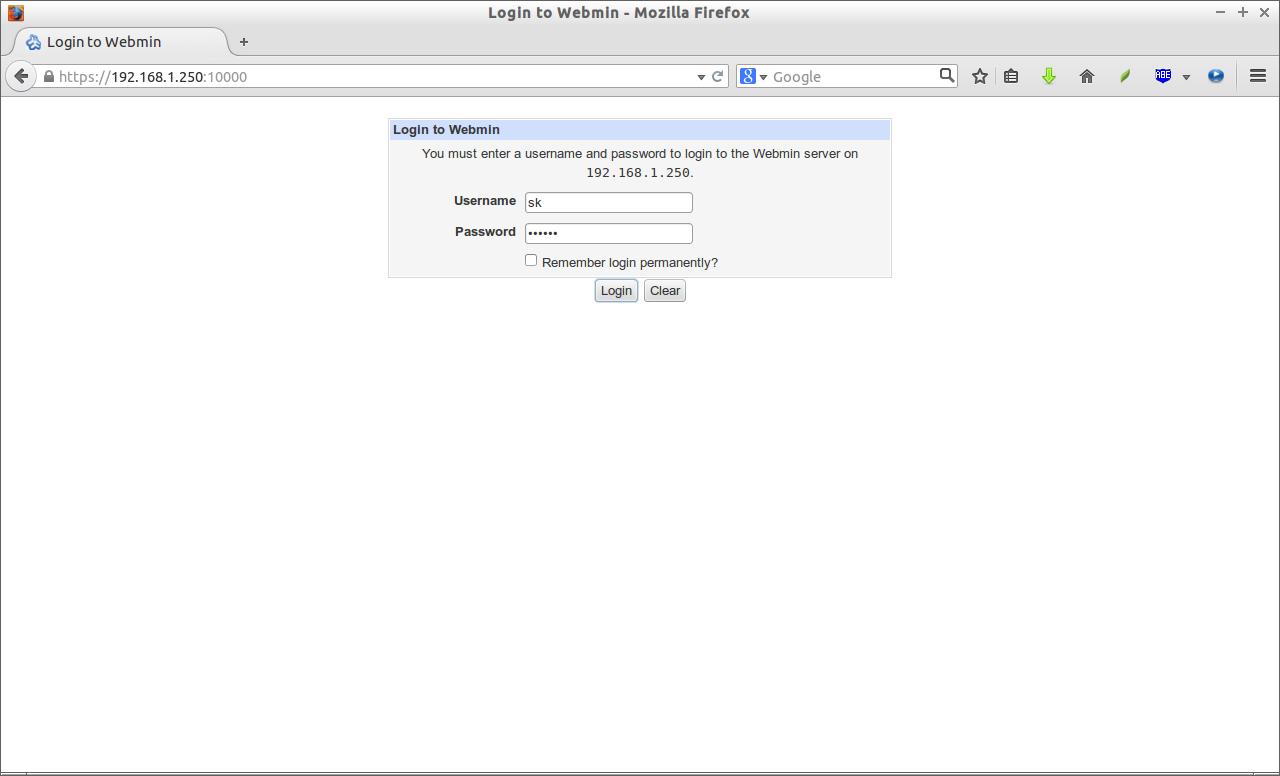
Open your browser and navigate to the URL ** https://ip-address:10000/**. You should see a screen like the one below. Enter your username and password here to log into the Webmin console.
This is my Webmin dashboard.
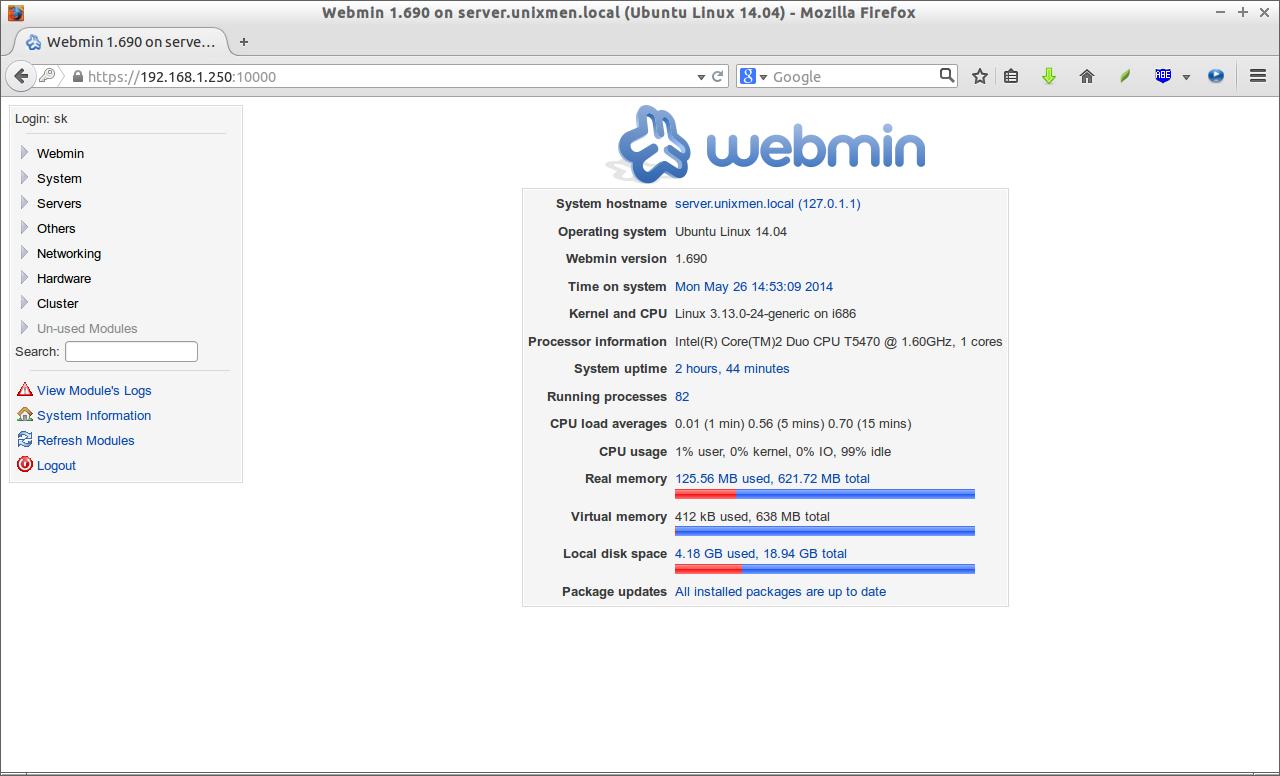
That’s it. Now you can manage and configure your Ubuntu server graphically. Enjoy!
via: http://www.unixmen.com/install-webmin-ubuntu-14-04/