

Open /etc/ssh/sshd_config with vi, locate Port 22, then change port 22 to your desired port number. Restart the SSH service: /etc/init.d/sshd restart. Then test the SSH connection: ssh localhost -p your_port_number 鈥?you should connect successfully.
If you want to play it safe and avoid losing SSH access just because one port becomes unreachable (e.g., under attack), you can use multiple SSH ports. Still in the config file /etc/ssh/sshd_config, run vi /etc/ssh/sshd_config, find the line with Port your_port_number, then add a new line below it: Port 23. This adds another connection port. Restart the SSH service, then test with ssh localhost -p 23 鈥?you should connect successfully.
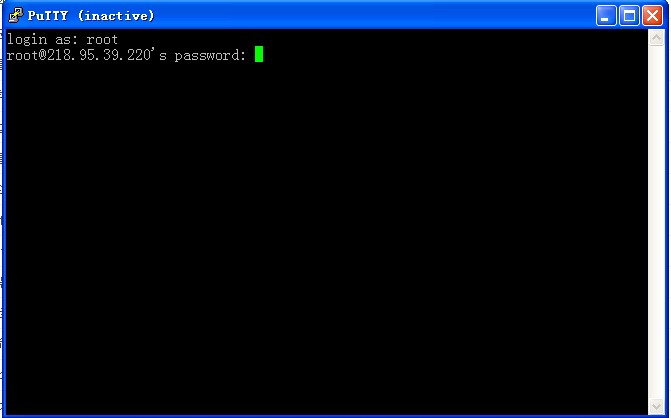
One more note: if the local test works but you still cannot connect from an external SSH client using third-party tools, you may need to disable the firewall and restart SSHD. That should fix it.
Restart command: service