

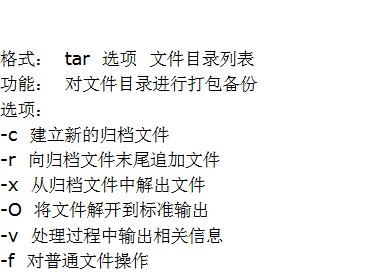
Format: tar options file/directory list
Function: Package and back up files and directories
Options:
-c Create a new archive file
-r Append files to the end of an archive
-x Extract files from an archive
-O Extract files to standard output
-v Output related information during processing
-f Operate on regular files
-z Invoke gzip to compress the archive; used with -x to invoke gzip for decompression
-Z Invoke compress to compress the archive; used with -x to invoke compress for decompression
For example:
1. To package all .txt files in the current directory and compress them into the archive file this.tar.gz, we can use
tar czvf this.tar.gz ./*.txt
2. To extract the files from this.tar.gz in the current directory to the current directory, we can use
tar xzvf this.tar.gz ./