1. Preparatory Work:
Environment (using mesos/marathon latest version 1.5.x as of March 3, 2018 as an example):
centos7.x
mesos1.5.x
marathon1.5.x
jdk 1.8.x
centos7.x
mesos1.5.x
marathon1.5.x
jdk 1.8.x
192.168.0.206 mesos (master+slave)+marathon+zookeeper
192.168.0.207 mesos (master+slave)+marathon+zookeeper
192.168.0.208 mesos (master+slave)+marathon+zookeeper
Please deploy yourselfdocker,Seedockersection
#systemctl stop firewalld #systemctl disable firewalld
setenforce 0
#vi /etc/selinux/config SELINUX=disable #comment out
yum install -y apache-maven python-devel java-1.8.0-openjdk-devel zlib-devel libcurl-devel openssl-devel cyrus-sasl-devel cyrus-sasl-md5 apr-devel subversion-devel apr-util-devel
1. Install Java
You can test installation using yum; make sure Java JDK version is above 1.8:
yum -y install java
yum -y install java
2.InstallZooKeeper (using my IP as an example)
For details, refer to this siteZooKeeper Installation Guide, the following are the main ZooKeeper cluster parameters:
server.1=192.168.0.206:2888:3888
server.2=192.168.0.207:2888:3888
server.3=192.168.0.208:2888:3888
2. Mesos + Marathon (Scheduling Framework) Cluster Deployment
1. Install Mesosphere Repository
rpm -ivh http://repos.mesosphere.com/el/7/noarch/RPMS/mesosphere-el-repo-7-3.noarch.rpm
rpm –import /etc/pki/rpm-gpg/RPM-GPG-KEY-mesosphere
2. Install Mesos and Marathon
yum -y install mesos
3. Add ZooKeeper Configuration
echo "zk://192.168.0.206:2181,192.168.0.207:2181,192.168.0.208:2181/mesos" >/etc/mesos/zk
cat /etc/mesos/zk
zk://192.168.0.206:2181,192.168.0.207:2181,192.168.0.208:2181/mesos
4. Configure mesos-hostname (local machine IP)
echo 192.168.0.206 | tee /etc/mesos-master/ip && echo 192.168.0.206 | tee /etc/mesos-master/hostname
echo 192.168.0.206 | tee /etc/mesos-slave/ip && echo 192.168.0.206 | tee /etc/mesos-slave/hostname
echo 2 > /etc/mesos-master/quorum #Note, This number must be greater than the installationmasters0.5x
Add configuration parameters on all mesos-slave nodes and restart (perform this step on all three servers)
echo 'docker,mesos' | tee /etc/mesos-slave/containerizers
systemctl restart mesos-slave
systemctl restart mesos-slave
5. Configure mesos-master/slave auto-start on boot and start them
systemctl enable mesos-master mesos-slave
systemctl start mesos-master mesos-slave
6.marathonInstall:If unable to startmarathonManualInstallstart(Here I use the manual source method,Based on current test results,)
Note: Only one marathon worker can be active at a time. When multiple machines start marathon, the first one to start becomes the worker; subsequent ones remain in standby. If the first goes down, the next machine automatically takes over (it is recommended to use a frontend proxy tool like nginx with health checks to connect to the backend).
If all marathon instances go down, services are unaffected. After restarting the service, previous information can be retrieved.
Method 1: yum Installation
Then modify the /etc/default/marathon file and add:
MARATHON_MASTER="zk://192.168.0.206:2181,192.168.0.207:2181,192.168.0.208:2181/mesos" MARATHON_ZK="zk://192.168.0.206:2181,192.168.0.207:2181,192.168.0.208:2181/marathon"
systemctl enable marathon
systemctl start marathon
Method 2: Source-based Startup
Log in to one of the servers:
or
tar zxvf marathon-1.3.5.tgz
cd marathon-1.3.5
./bin/start –master zk://192.168.0.206:2181,192.168.0.207:2181,192.168.0.208:2181/mesos –zk zk://192.168.0.206:2181,192.168.0.207:2181,192.168.0.208:2181/marathon
Note: The latest version is 1.5.x. Start as follows:
./bin/marathon –master zk://192.168.0.206:2181,192.168.0.207:2181,192.168.0.208:2181/mesos –zk zk://192.168.0.206:2181,192.168.0.207:2181,192.168.0.208:2181/marathon
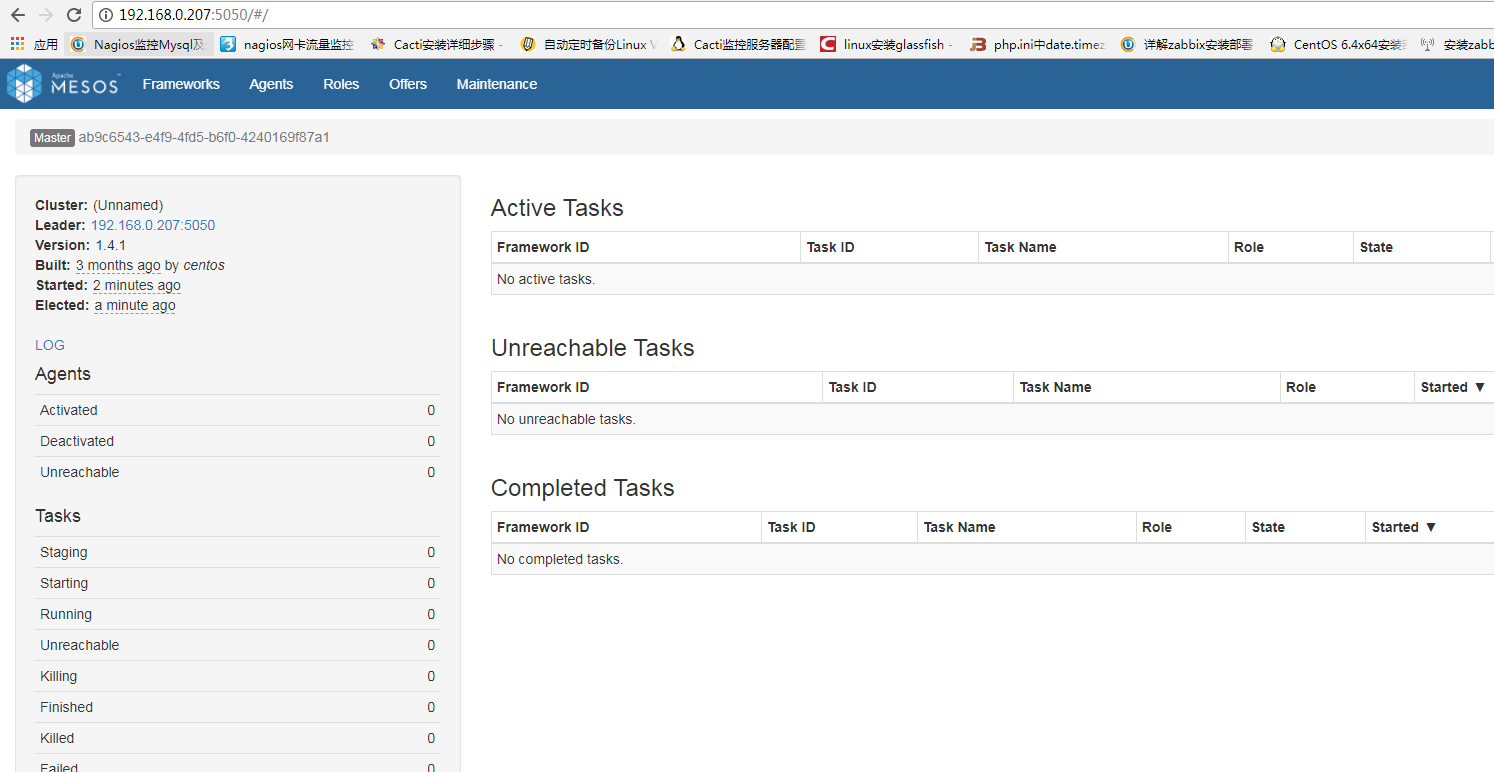
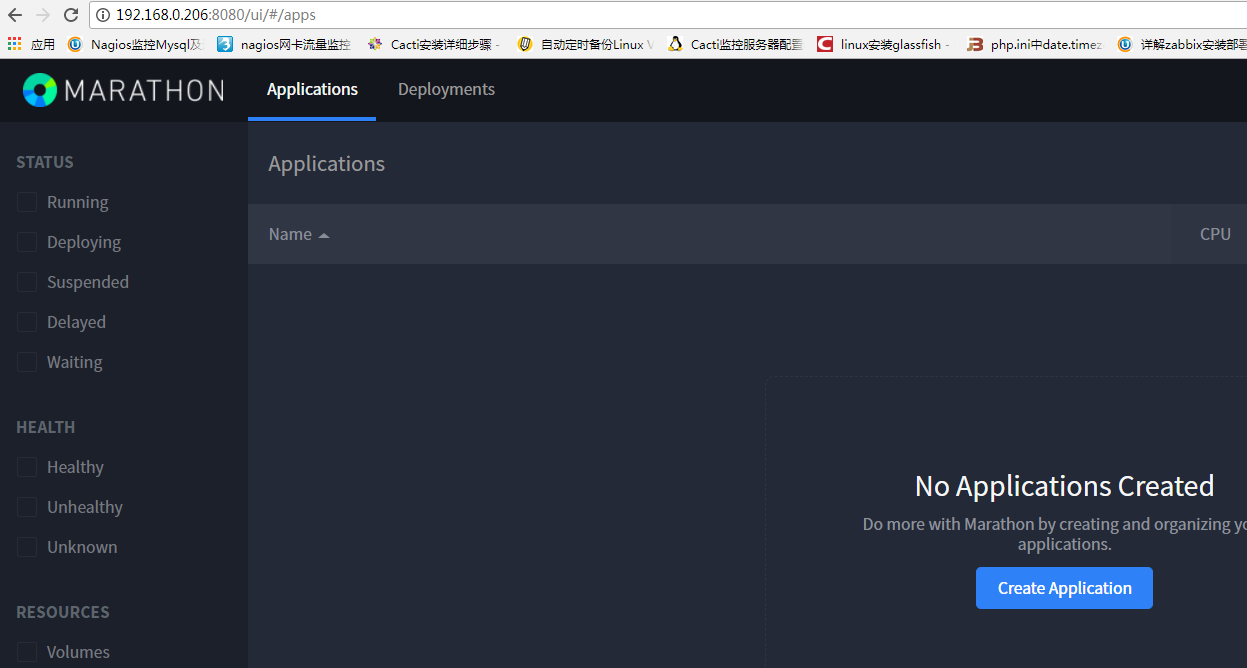
7. Test Access
marathon Accessui http://192.168.0.206:8080 #based on actualipshall prevail
mesos: open the mesos interface of any server in a browser (view-only, so any machine works; mesos information on any machine is synchronized via ZooKeeper)