

Recently, after migrating to a new server, some views and stored procedures in the Oracle database displayed garbled characters. During the process, we used the PLSQL Developer tool. Below is the export and import procedure using PLSQL Developer, shared for your reference.
1. Export:
Open the PLSQL tool and click the menu sequence: Tools -> Export User Objects
As shown below, hold Shift + click to select the content you want to export: files with the type “view” are view files;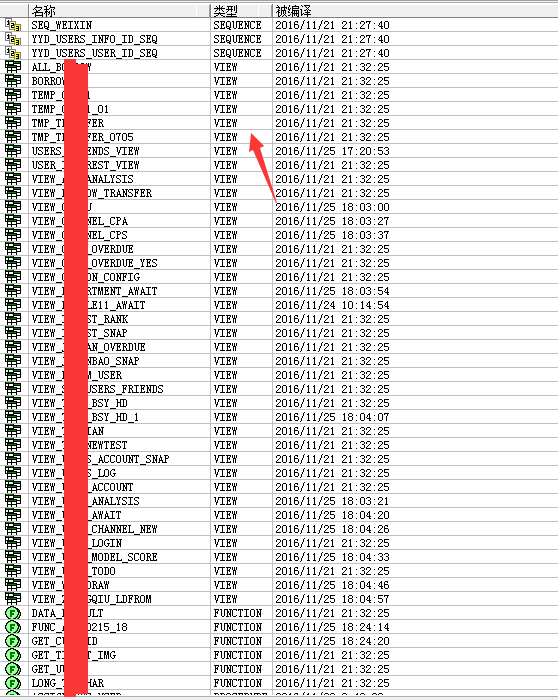
“trigger” and “procedure” types are stored procedures, objects, etc., as shown below: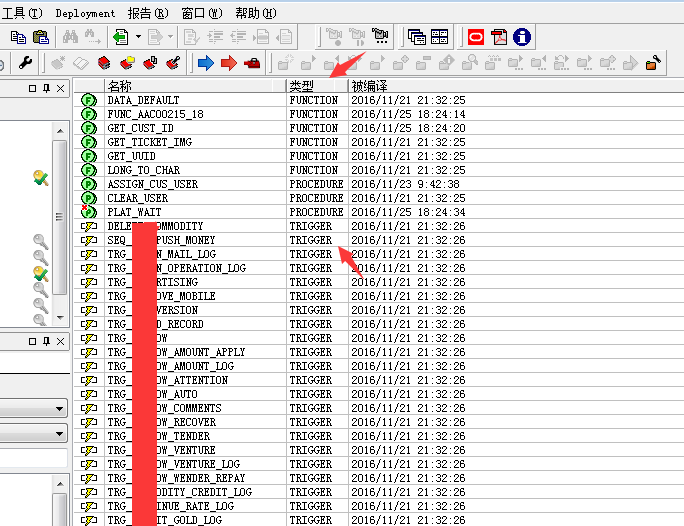
Then click the folder icon at the bottom, choose a storage location -> click “Export”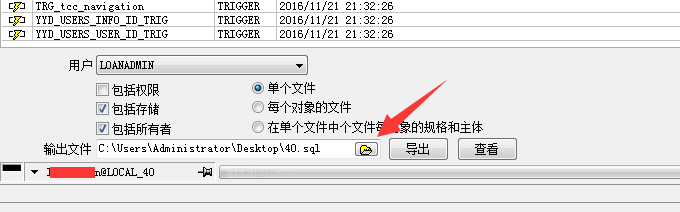
Here I exported the type as a SQL file. Once completed, click “View” behind to preview the exported content.
2. Import
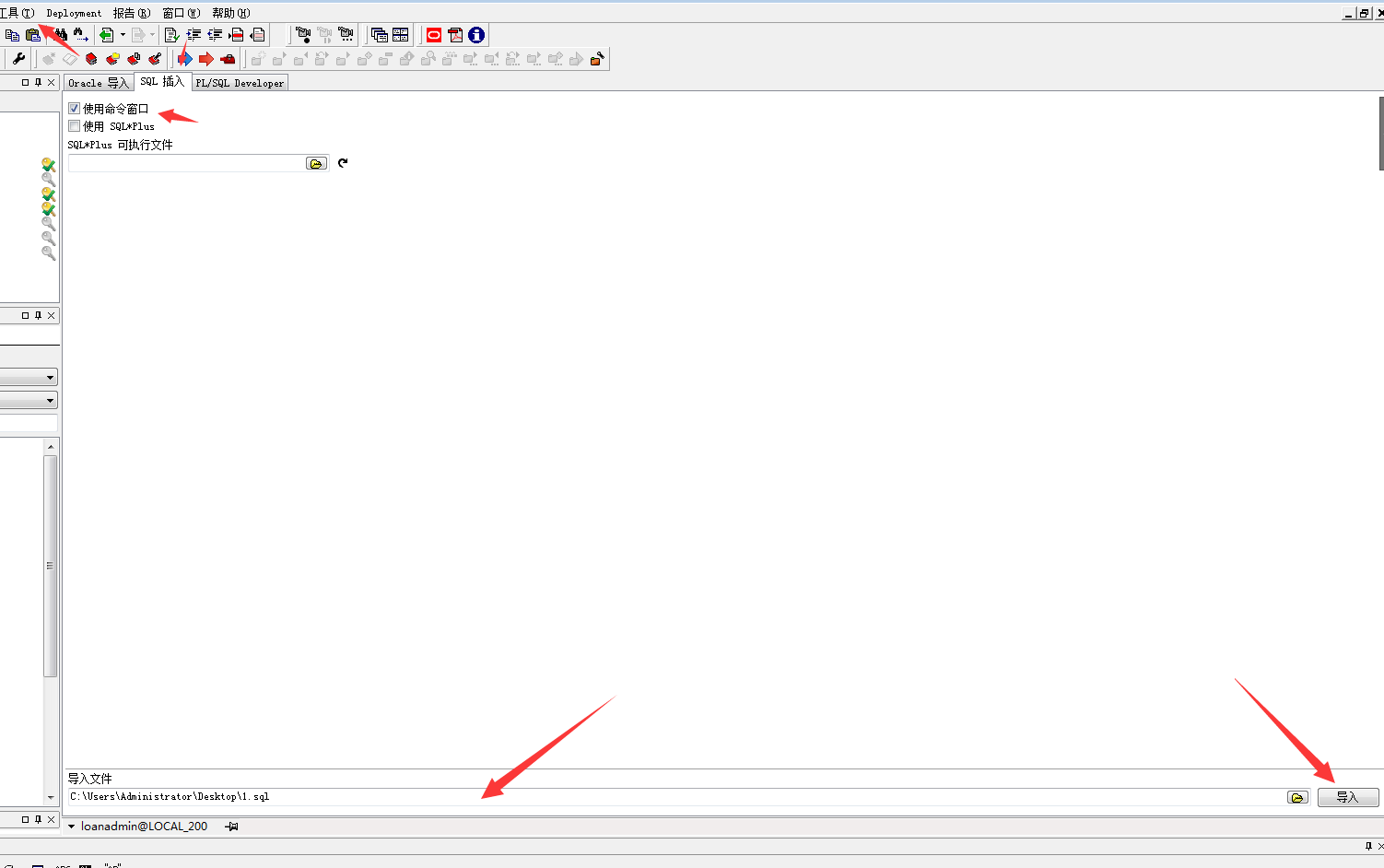
Click the menu sequence: Tools -> Select the “SQL Insert” tab -> Check “Use Command Window” -> Click the icon at the bottom right to select the file to import -> Import
<<