

Error Symptom:
ORA-00211: control file does not match previous control files
ORA-00202: control file: '/data/oracle/flash_recovery_area/orcl/control02.ctl'
#My Oracle installation path is under /data
Cause:
The file /data/oracle/flash_recovery_area/orcl/control02.ctl is corrupted.
Solution:
rm -rf /data/oracle/flash_recovery_area/dg/control02.ctl
#Delete the file (adjust the path according to your actual error message)
cp /data/oracle/oradata/dg/control02.ctl /data/oracle/flash_recovery_area/dg
#Control files are created when setting up Oracle Data Guard. They are typically located under the database path oradata+instance name. Please adjust according to your situation. If you cannot find them, use the find command to search.
Restart the database:
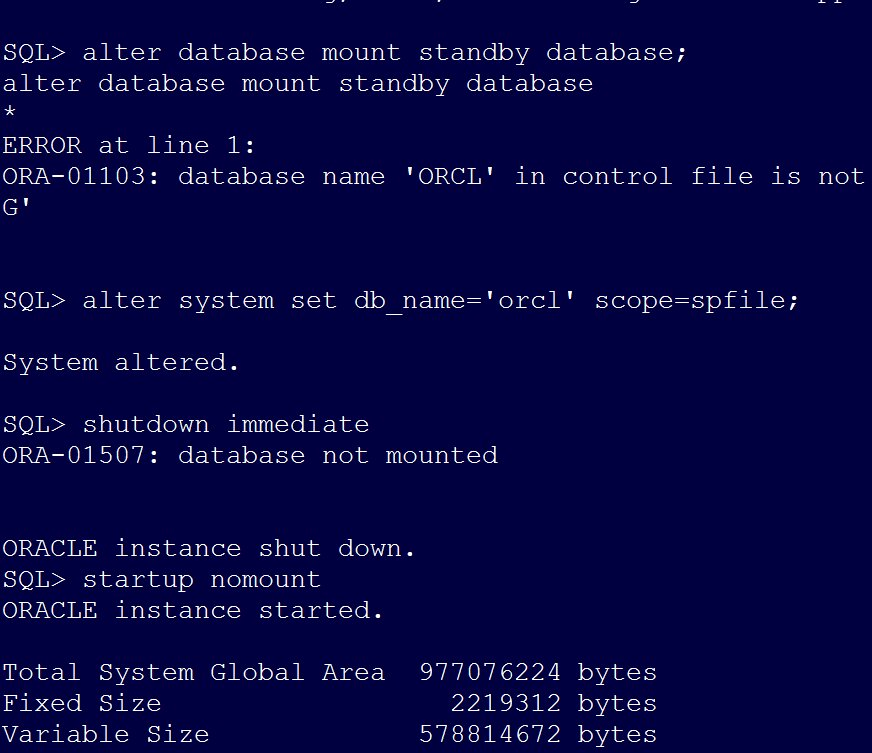
SQL> alter database mount standby database;
alter database mount standby database
*
ERROR at line 1:
ORA-01103: database name 'ORCL' in control file is not 'DG'
SQL> alter system set db_name='orcl' scope=spfile; #If you encounter the above error, it indicates the instance names do not match. Please switch accordingly.
System altered.
SQL> shutdown immediate
ORA-01507: database not mounted
ORACLE instance shut down.
SQL> startup nomount
ORACLE instance started.
Total System Global Area 977076224 bytes
Fixed Size 2219312 bytes
Variable Size 578814672 bytes
Database Buffers 390070272 bytes
Redo Buffers 5971968 bytes
SQL> alter database mount standby database;
Database altered.
Note: If the error persists, please re-copy the generated control file from the primary server.