

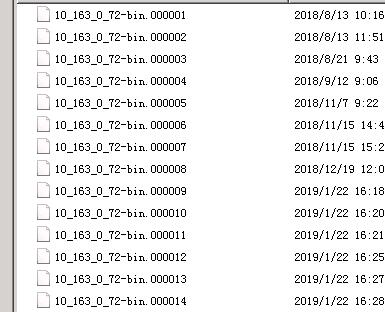
Query the binlog, locate the starting point for the recovery you need, and export the SQL: Here we use 10_163_0_72-bin.000009 as an example:
mysqlbinlog –no-defaults –start-datetime="2019-01-11 18:38:56" –database=superstar /home/10_163_0_72-bin.000009 >/home/j.sql
# Adjust the path according to your situation and system. If the exported file is not too large, you can view it directly with a text editor.
more /home/j.sql | grep –ignore-case -E 'insert' -A2 -B2 | grep super.appointmentorder >/home/j2.sql
# Filter the insert data records for the appointmentorder table in the super database (select the table according to your own situation)
After exporting, it will be in SQL statement format. Import it into the database as needed. If there are delete or update operations, you can adjust this method accordingly.