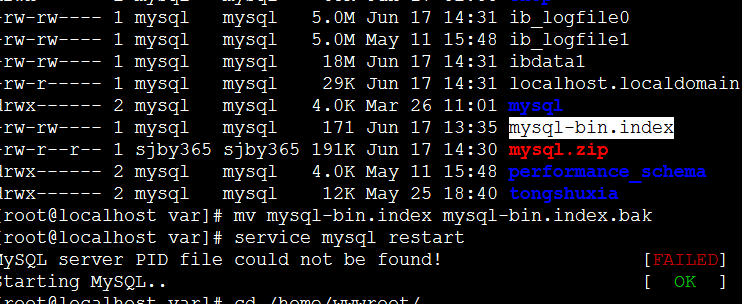
Restarting MySQL throws “MySQL server PID file could not be found!”
Possible causes are as follows:
1. A MySQL process is already running:
ps -ef|grep mysqld or ps -ef|grep mysql
kill -9
Adjust the service name according to your actual situation.
2. Check if the MySQL installation directory has proper permissions:
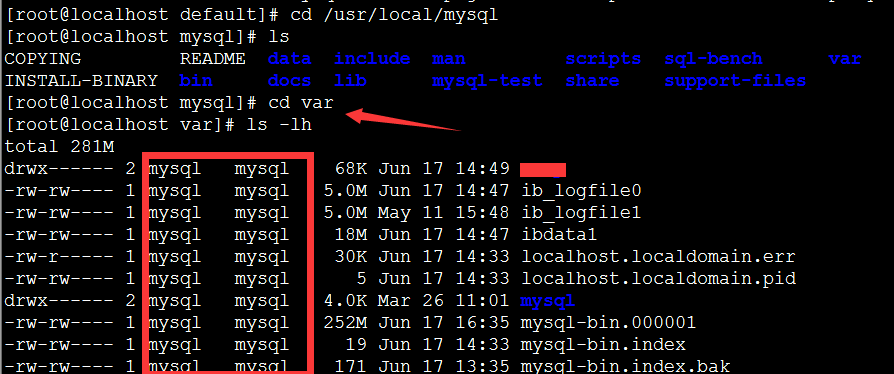
After ensuring write permissions are correct, check for the mysql-bin.index file:
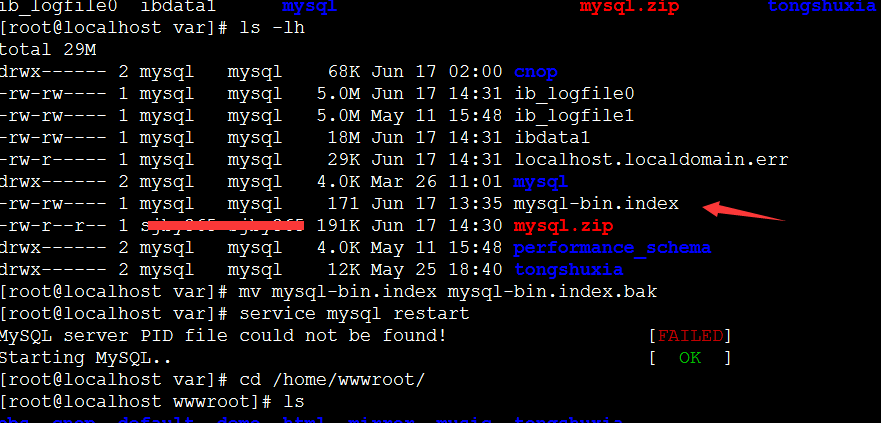
If it exists, delete the file and restart the MySQL service, as shown below: