

1. Modifying Postfix Settings
First, modify the Postfix values. Run the following commands (using 256M as an example):
postconf -e message_size_limit='254857600'
postconf -e mailbox_size_limit='254857600'
Restart the Postfix service
systemctl restart postfix
2. Modifying php.ini Parameters:
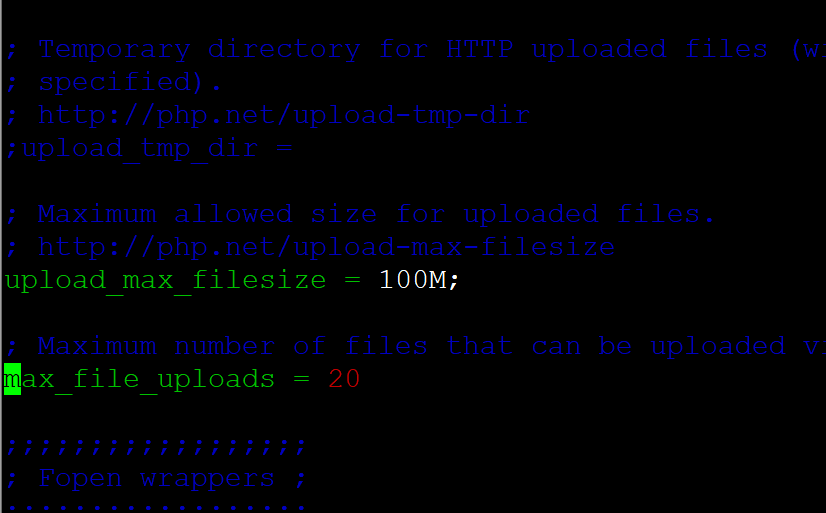
vim /etc/php.ini #Edit the file, change the relevant values to the following and save
memory_limit = 512M;
upload_max_filesize = 250M;
post_max_size = 250M;
max_input_time = 900
max_execution_time = 900
Restart the php-fpm process:
systemctl restart php-fpm
3. Modifying Nginx Parameters:
vim /etc/nginx/conf-enabled/client_max_body_size.conf
client_max_body_size 250m;
Restart the Nginx service:
systemctl restart nginx