

Installation:
Linux (CentOS example):
yum -y install git
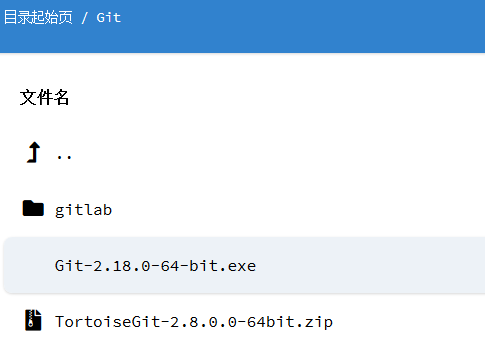
Windows download:
http://mirror.cnop.net/Git/Git-2.18.0-64-bit.exe
Generate SSH Key:
git config –global user.name "[email protected]" # Replace with your own username
git config –global user.email "[email protected]"
ssh-keygen -t rsa -C "[email protected]" # Press Enter three times