Note: Please purchase or apply for a free certificate in advance, and download the key and crt files for your certificate.
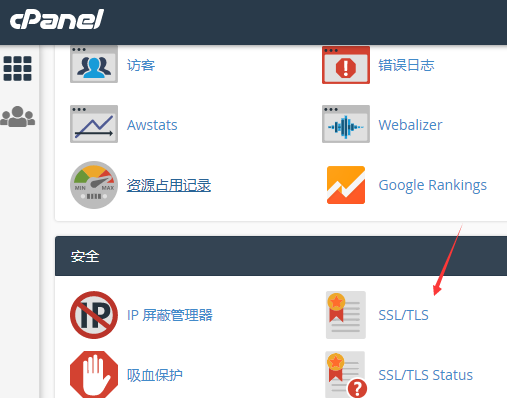
1. Log in to the control panel: Click “SSL/TLS”
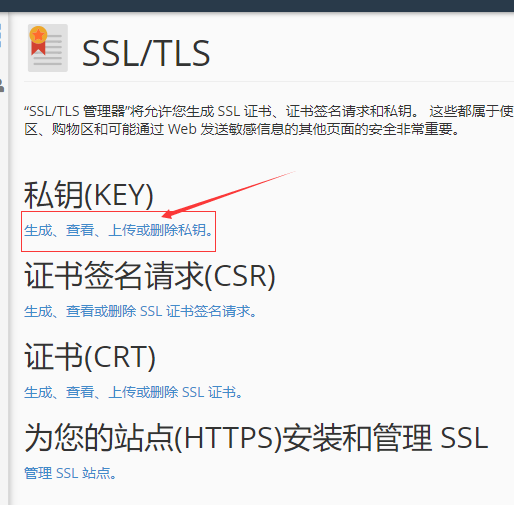
2. Click “Generate, view, upload, or delete private keys.”
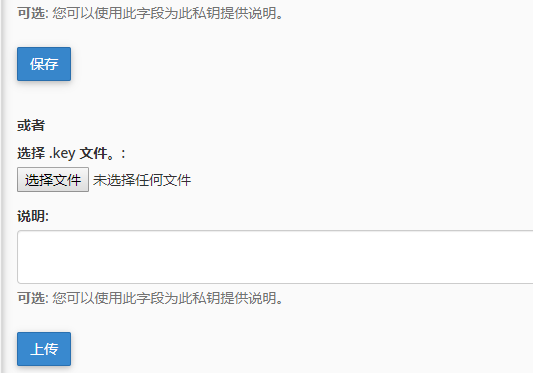
3. Click the “Choose File” button, and upload the previously prepared key-file certificate (upload the private key):
4. Click “Generate, view, upload, or delete SSL certificates.”, and upload the crt file:
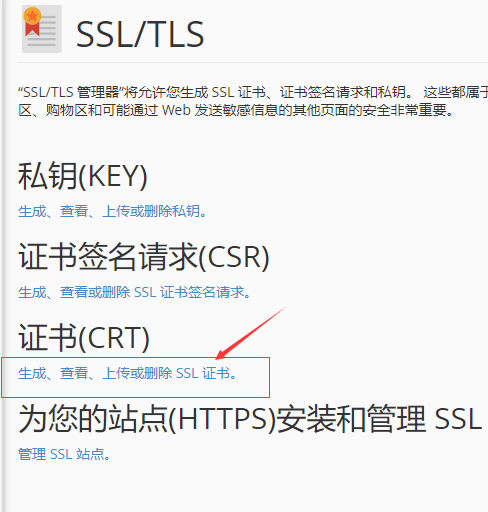
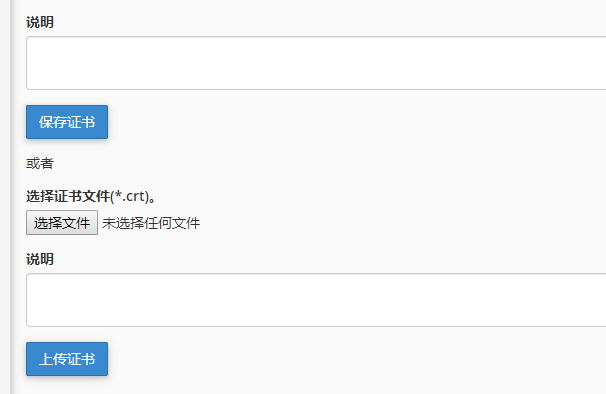
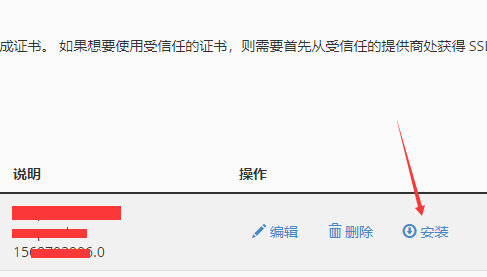
5. Once again click “Generate, view, upload, or delete SSL certificates.” at the CRT certificate location, locate the corresponding certificate, and click Install to complete the process: