

Machine A: 192.168.1.101
Machine B: 192.168.1.102
Run the following commands on both machines respectively:
mkdir -p /xvdb/elasticsearch/backup
chmod -R 777 /xvdb/elasticsearch/backup
(This example uses Machine A to mount the /xvdb/elasticsearch/backup folder from Machine B)
On Machine A:
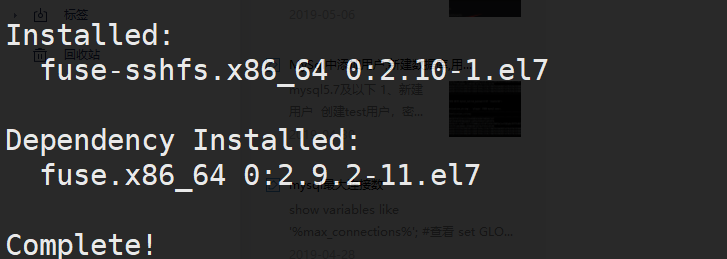
yum -y install sshfs
sshfs -p 47591 [email protected]:/xvdb/elasticsearch/backup /xvdb/elasticsearch/backup -o allow_other
# Enter the password when prompted; the -p flag specifies the port number
Test:
On Machine B: touch /xvdb/elasticsearch/backup/j # Create file j
On Machine A: ls -lh /xvdb/elasticsearch/backup/j # If the file exists, the shared mount is successful