Sometimes after lftp connects to an FTP server, other commands run extremely slowly or get stuck on “Making data connection.” This is caused by active/passive mode issues — some hosts only support connection via active or passive mode.
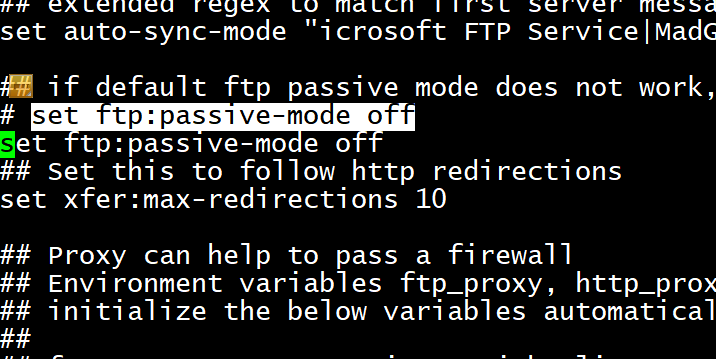
Fix: Add set ftp:passive-mode off to the configuration file to use active mode (the default is passive).
vi /etc/lftp.conf # Edit the file and add the following line
set ftp:passive-mode off