

Open the folder for the user who forgot their password:
# find /root/.jenkins -name config.xml
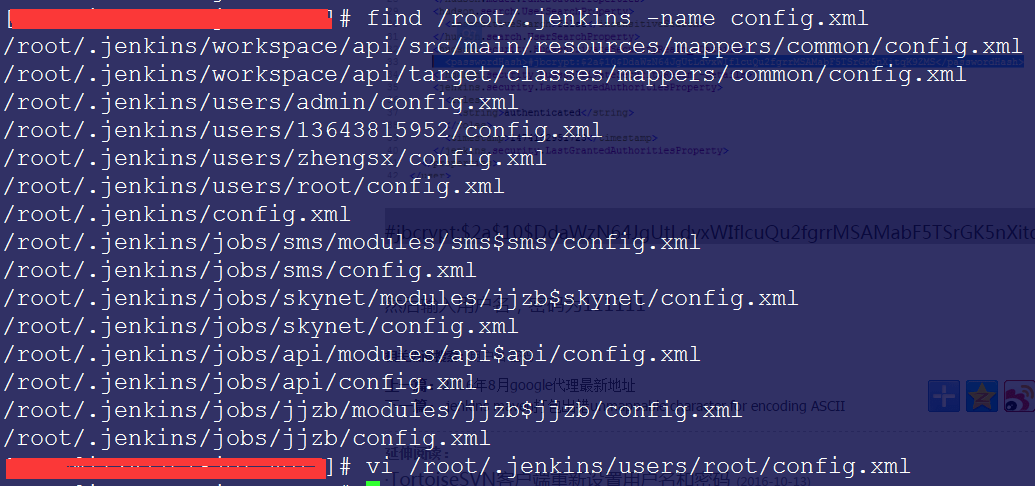
There is only one file, config.xml, in the relevant user directory. Replace the content inside the
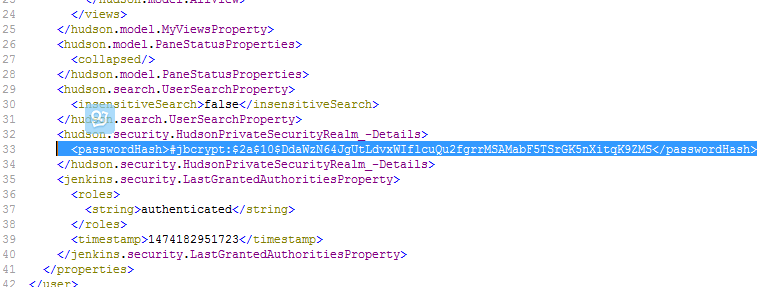
#jbcrypt:$2a$10$DdaWzN64JgUtLdvxWIflcuQu2fgrrMSAMabF5TSrGK5nXitqK9ZMS
Then enter the username and use 111111 as the password.