Environment
CentOS 6.x 32-bit/64-bit
XEN/KVM/OpenVZ
Steps
Run the following commands in order:
Install CentOS 6.2 PPTP VPN Script
After execution, options 1, 2, 3 appear — their meanings are below:
1. Install VPN Service
2. Repair VPN
3. Add VPN User
|
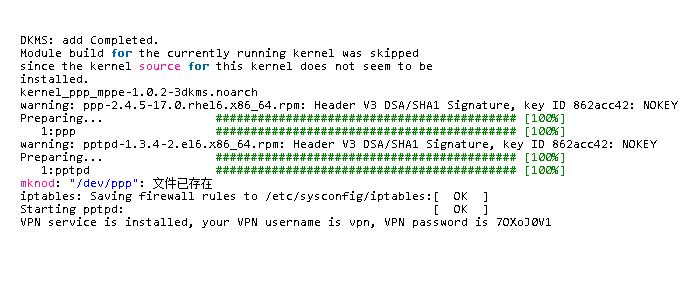
To install PPTP VPN, enter 1 then press Enter. Wait for completion — account and password will appear. Default account: vpn, password: a random string. Copy them for later use. Installation result:
DKMS: add Completed.
Module build for the currently running kernel was skipped
since the kernel source for this kernel does not seem to be
installed.
kernel_ppp_mppe-1.0.2-3dkms.noarch
warning: ppp-2.4.5-17.0.rhel6.x86_64.rpm: Header V3 DSA/SHA1 Signature, key ID 862acc42: NOKEY
Preparing...
1:ppp
warning: pptpd-1.3.4-2.el6.x86_64.rpm: Header V3 DSA/SHA1 Signature, key ID 862acc42: NOKEY
Preparing...
1:pptpd
mknod: "/dev/ppp": File already exists
iptables: Saving firewall rules to /etc/sysconfig/iptables:[ OK ]
Starting pptpd: [ OK ]
VPN service is installed, your VPN username is vpn, VPN password is 7OXoJ0V1
|

