

First, inVirtualBox(VM)。“”。
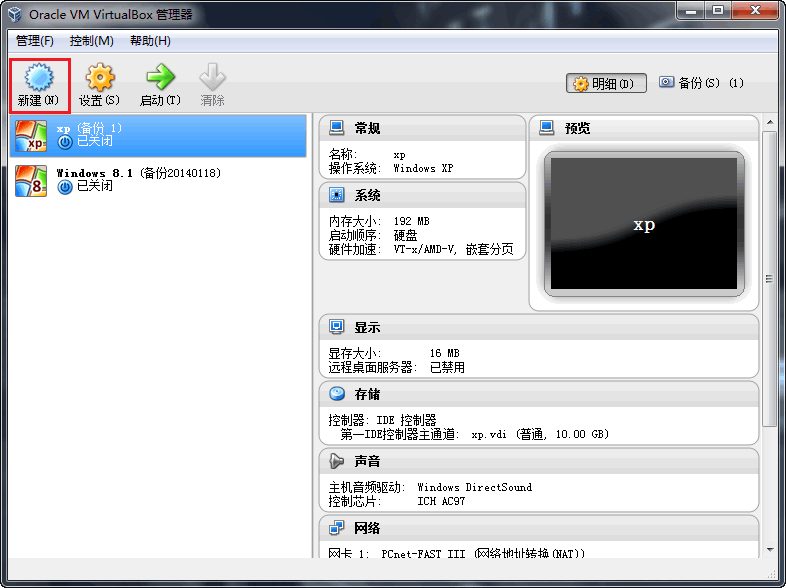
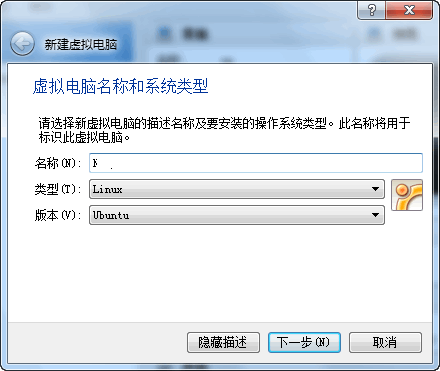
“Linux”,“”。
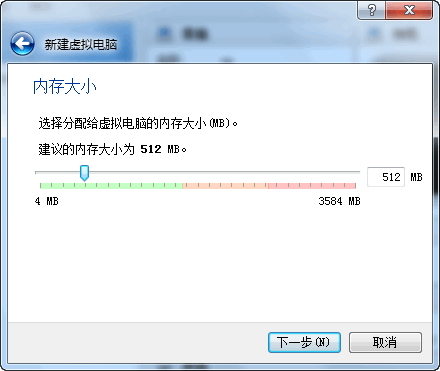
MemorySize — leave as default!
Now create a virtual hard disk. Click ‘Create’!
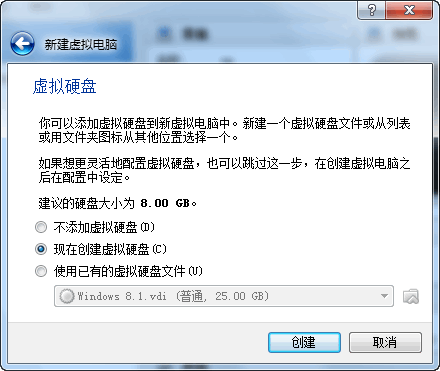
Virtual hard disk file type defaults to VDI. For broader compatibility, choose VHD.
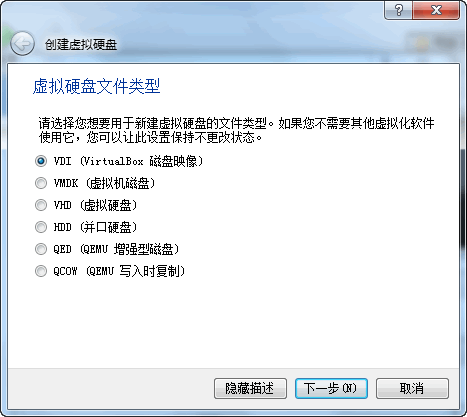
“”。
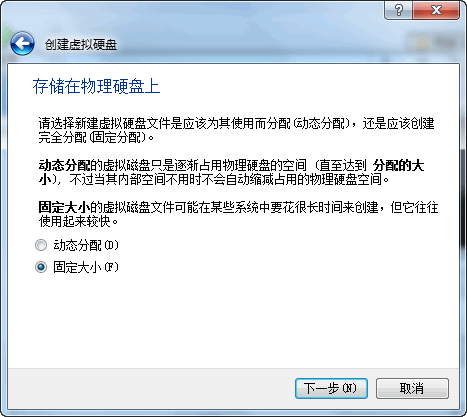
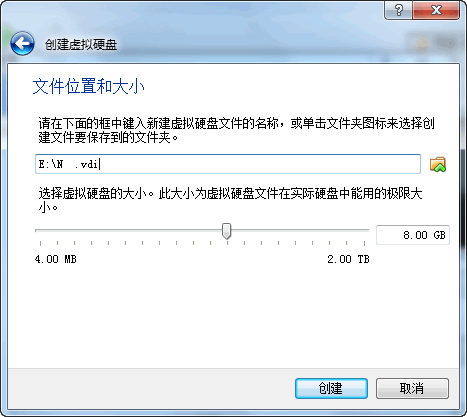
Choose a location with plenty of free space!
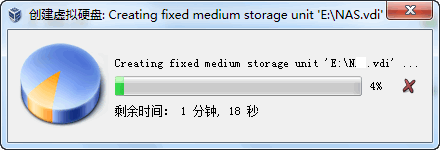
Then just wait…
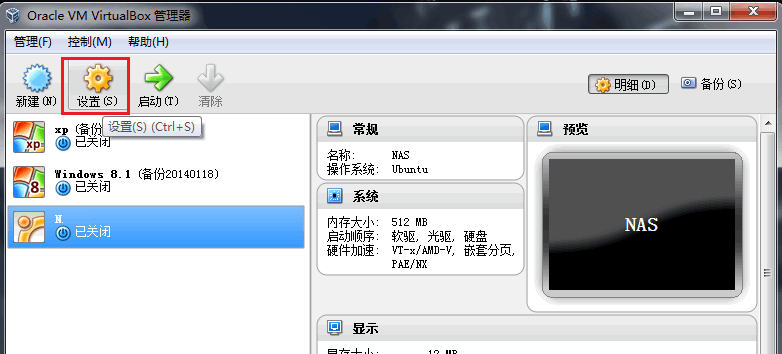
,“Settings”。
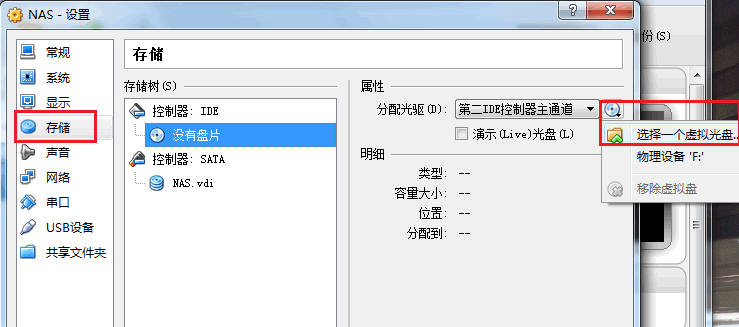
“”,“”,iso。
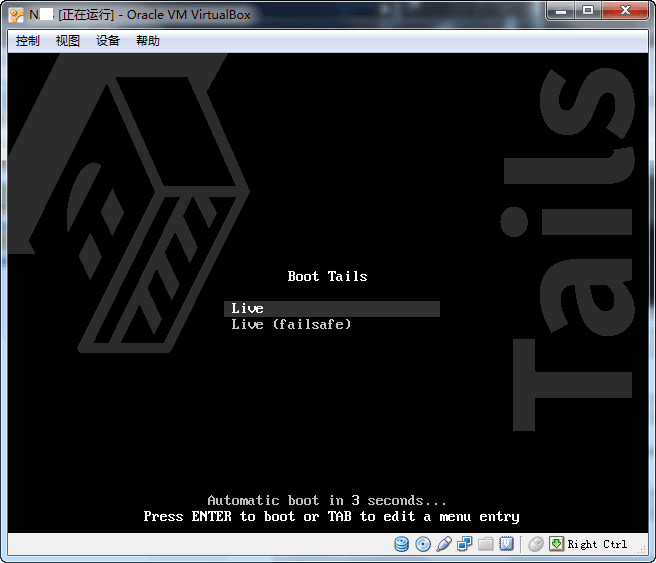
,“”!

It will boot automatically without manual intervention.
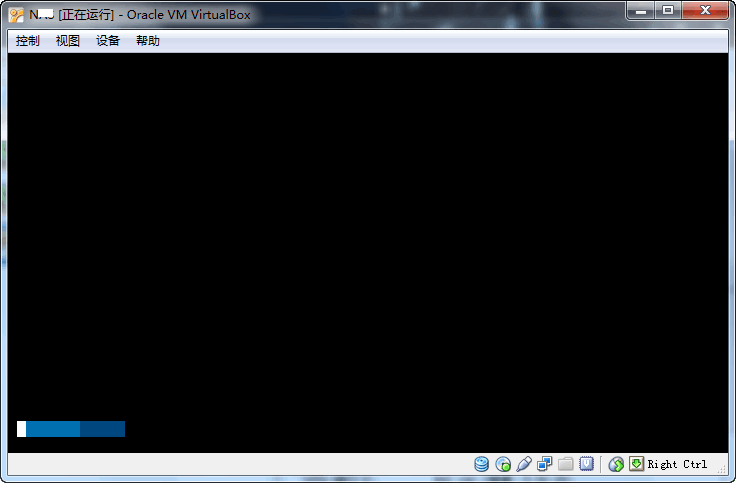
The progress bar is very clean!
First boot will prompt for setup — you can configure country and language in the bottom bar.
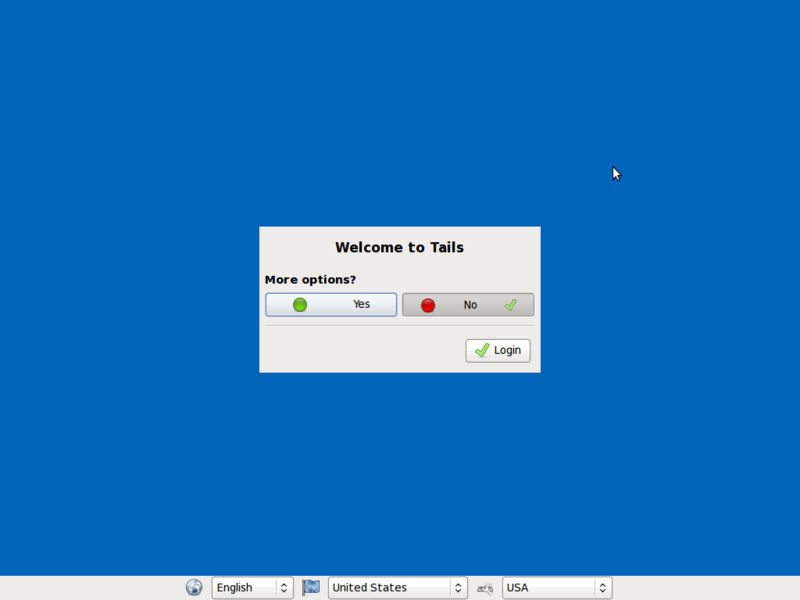
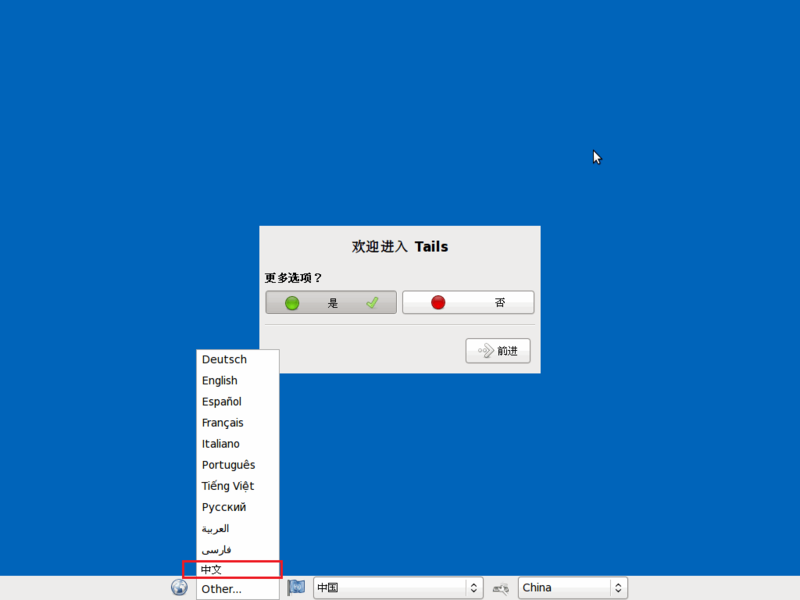
After setup, click ‘Login’ or enter detailed settings.
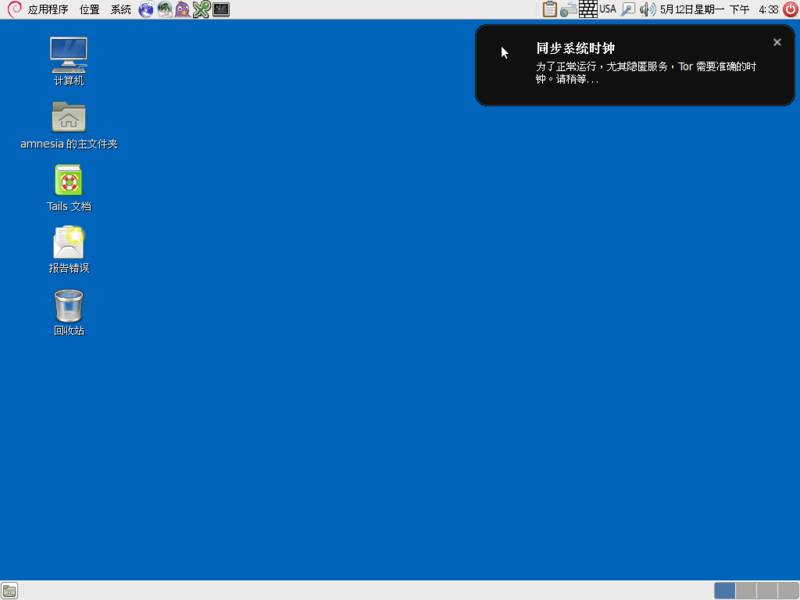
Here’s the Tails main interface. Apps are in the top-left title bar, time and other items top-right, taskbar at the bottom shows running tasks, and bottom-right supports multiple workspaces (desktops).
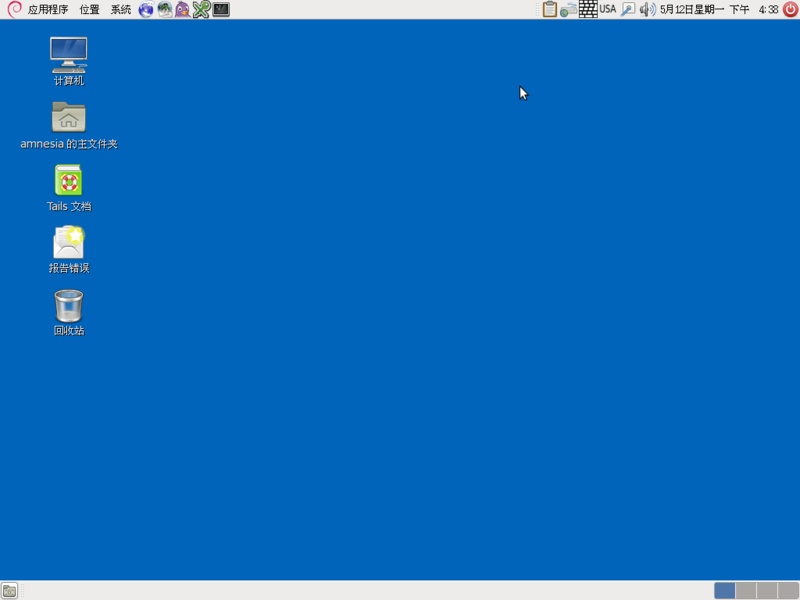
This experience is Tails 1.0.
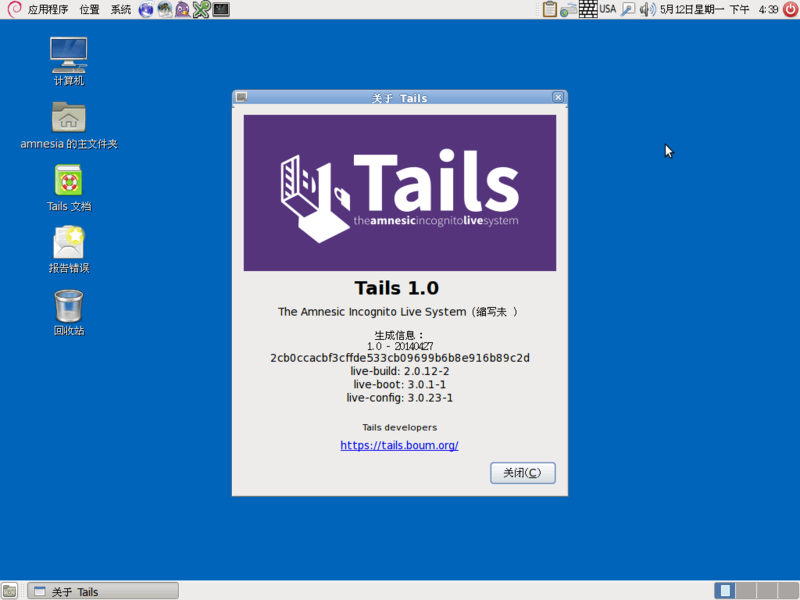
Below, a brief introduction to each feature with screenshots.
·
Similar to Windows’ Start menu. Categories: Tails, Office, Accessories, Internet, Universal Access, Graphics, System Tools, Audio & Video.
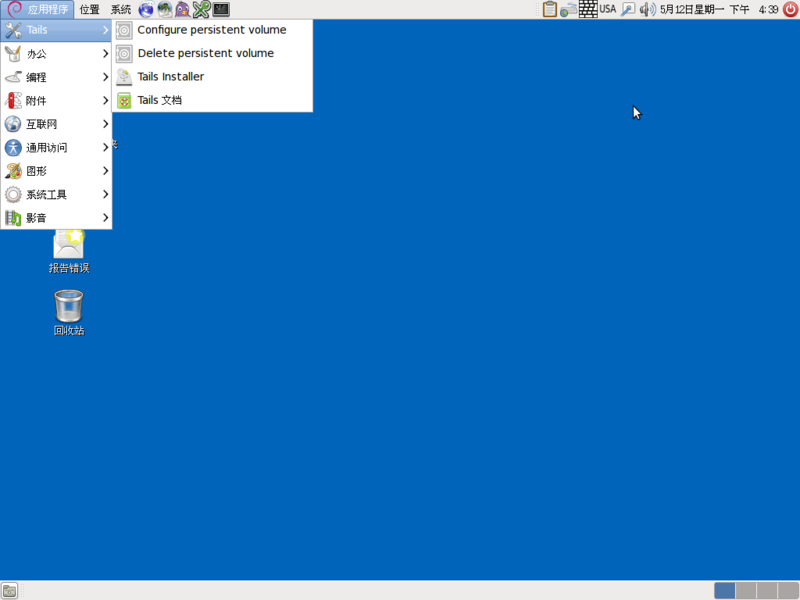 ·
·
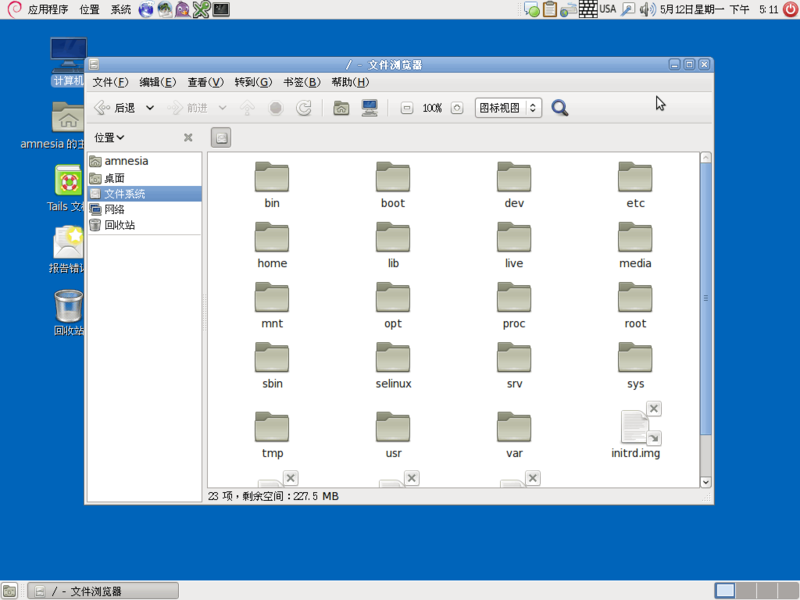
For system file browsing and network settings.
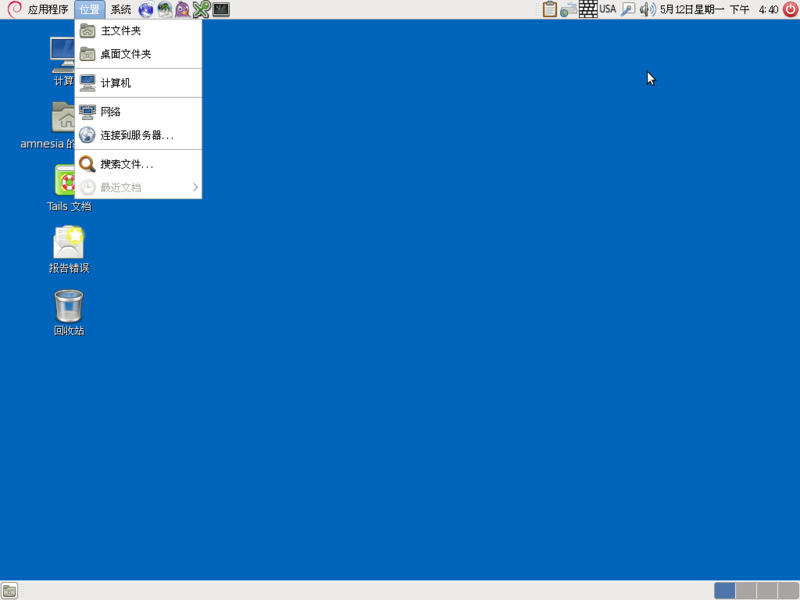
·
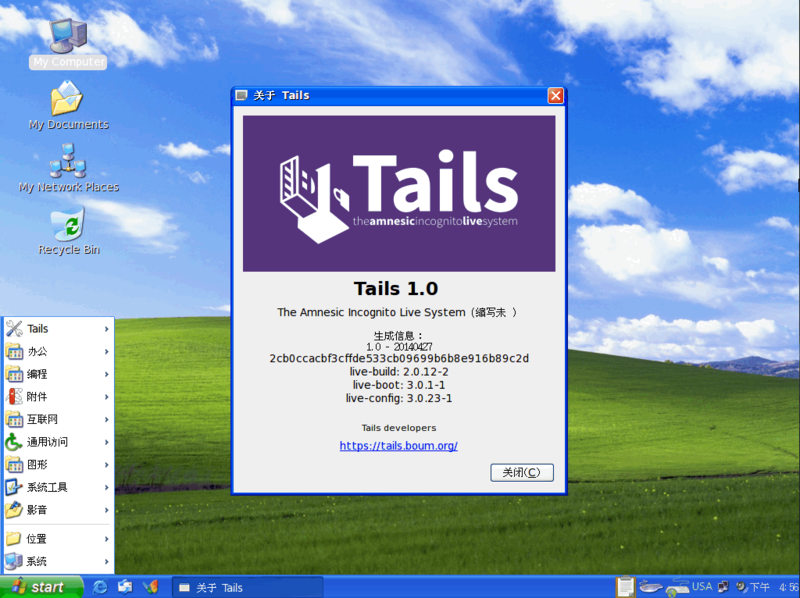
Back to the login settings. If you entered settings instead of logging in directly, you can configure options like disguising as Windows, spoofing MAC address, etc.
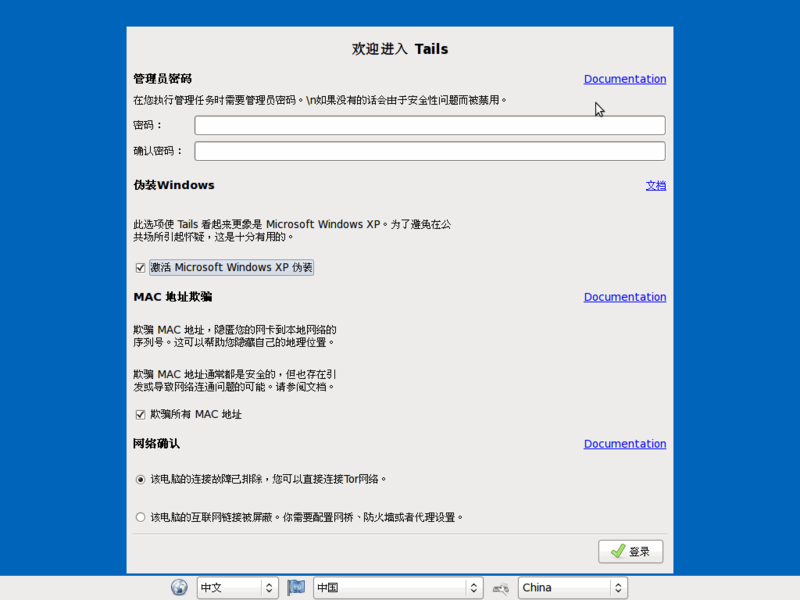
The disguised Tails looks similar to Windows XP.
Let’s go back to the original Tails system — it looks more professional! (OK, I meant NSA -_-||)
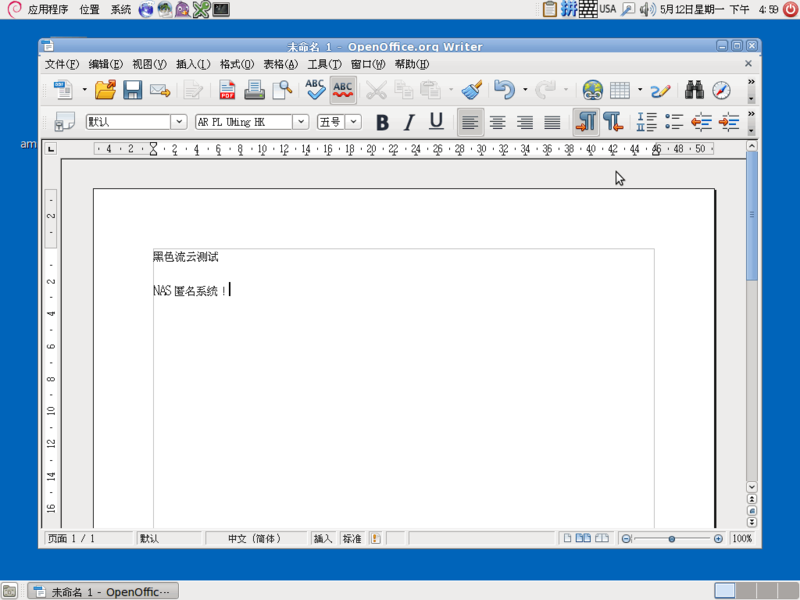
Tails includes common software like video editing tools.

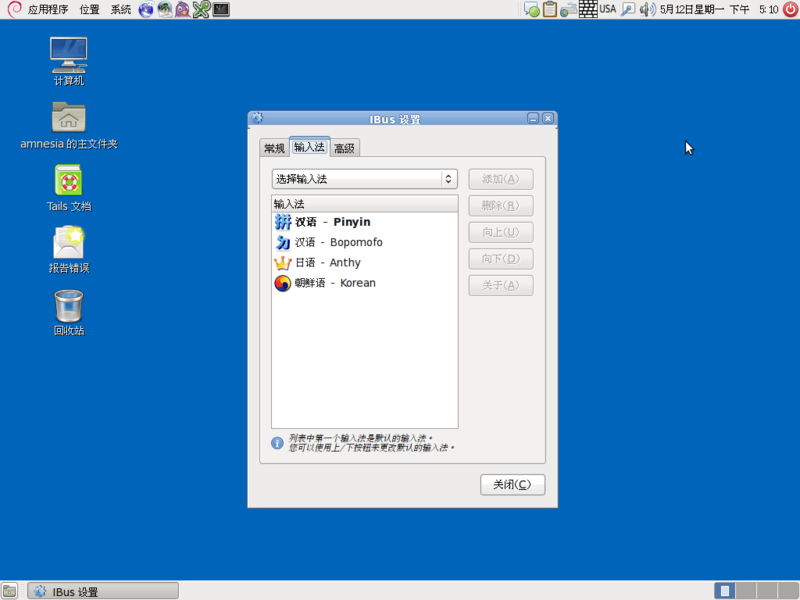
The system supports Chinese language and Chinese input methods.
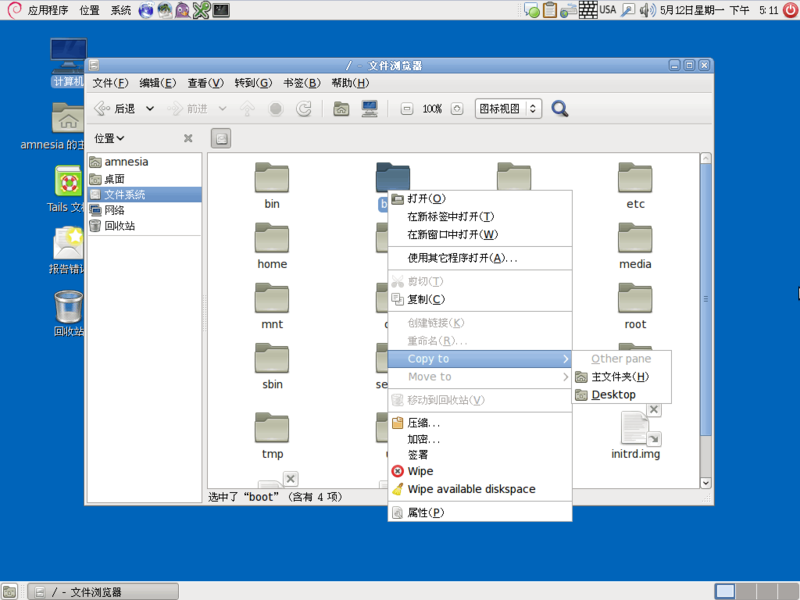
File browser interface.
Right-click menu is similar to Windows.
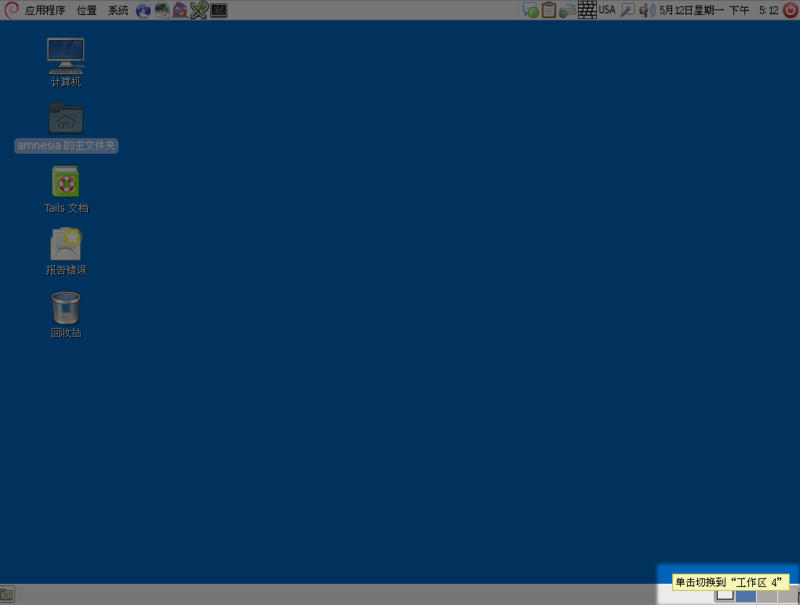
If you’re an organized user, multiple workspaces are perfect. See the small squares in the bottom-right? Click different squares to switch workspaces — one for browsing, another for documents. On Windows you’d need extra software; here it’s built-in.
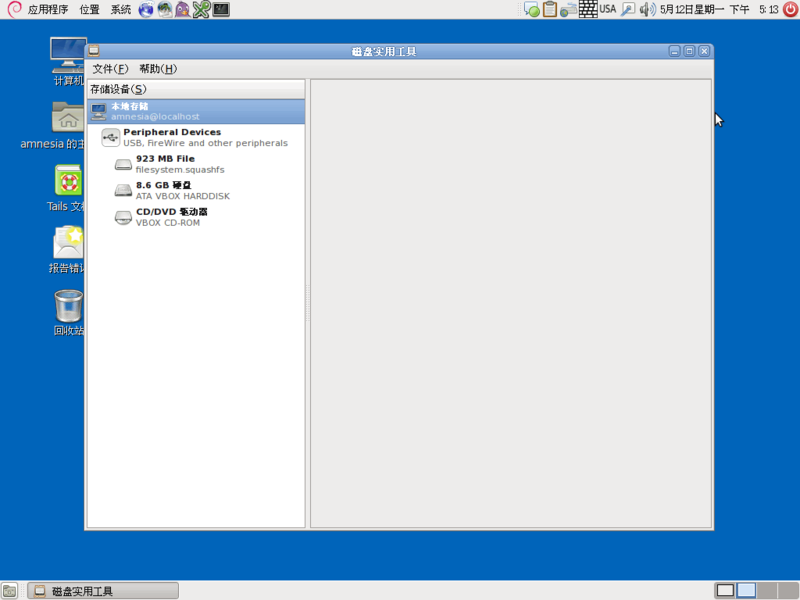
System resource usage.
Regarding Tor in Tails: due to the Great Firewall of China, you need VPN or proxy before using Tails to access the internet. Also, due to multiple relays, browsing will be slower than usual — a necessary sacrifice for security.
If you have high security requirements, give this system — even used by NSA employees — a try!