

Many webmasters using platforms other than Discuz! want to call Discuz! data into their other sites but struggle with the setup. Let me guide you through the process.
First, let’s see the final result:
You can tweak and customize the styling here as you like.
1. Go to Admin CP > Portal > Module Management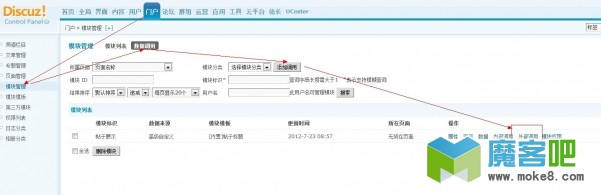
2. Add a call then click External Call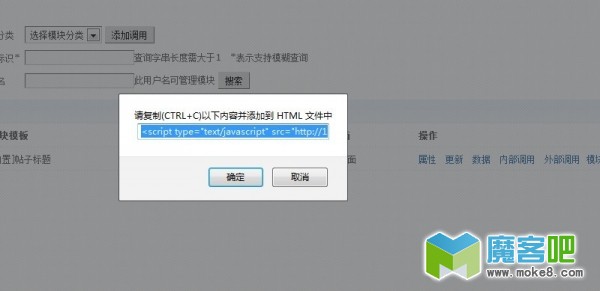
3. Copy (CTRL+C) the content below and add it to your HTML file
4. There are actually two methods to add this
1) If your external site is also a Discuz! site, you can use the DIY Module Display Class Custom HTML to add it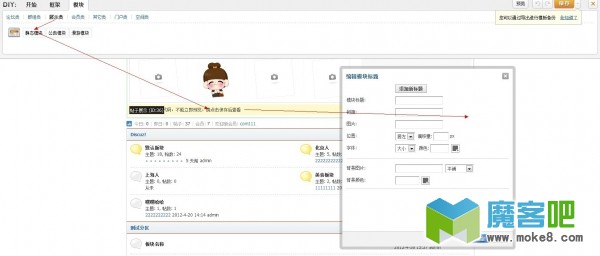
2) You can also add it directly to an HTML file. The code can be placed anywhere in the HTML file, but you’ll need to style it yourself to make it look good.
Display effect: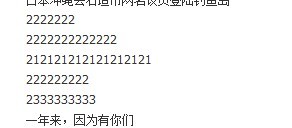
OK, the setup is complete. Have you got it, dear webmaster?
If you have any questions, feel free to reply below.
View more Discuzx tutorials Discuzx templates Discuzx plugins