

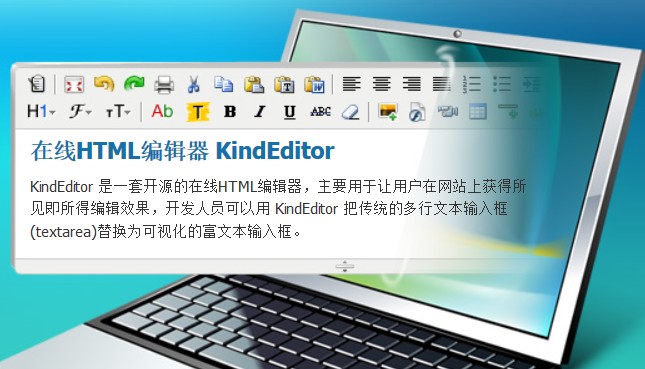
I’ve always used the FCKEditor, but after an upgrade, it became less user-friendly. After careful consideration, I finally switched to Kindeditor, and it’s been decent. However, one time when I tried to insert a video embed code with the “embed tag”, I found that the editor stripped out some parameters. So frustrating!
The issue was as follows:
embed width="480" height="340" allowscriptaccess="always" quality="high" id="CuPlayer" src="/upfiles/flash/black.swf" type="application/x-shockwave-flash"
After saving, it became
embed width="480" height="340" quality="high" id="CuPlayer" src="/upfiles/flash/black.swf" type="application/x-shockwave-flash"
I noticed all sorts of parameters were gone
From relevant documentation, I learned that Kindeditor has a feature to filter tag parameters, mainly to strip out unused ones. The feature itself is pretty good, but if you don’t want certain parameters to be removed, how should you configure it? Here’s the solution:
1. Locate the Kindeditor root directory
There are several JS files; it mainly depends on which one you are calling. The steps below cover how to modify two of the JS files.
2. Open the kindeditor.js file
This is the original source file for Kindeditor. Find the line containing 【embed : ['id', 'class', 'src', 'width', 'height',】 and add the parameter names you need into this line.
3. Or open the kindeditor-min.js file,
This is the default file called by Kindeditor. Again, find the line 【embed:['id', 'class', 'src', 'width', 'height',】 and add the corresponding parameters.
The parameter settings for other tags follow the same approach.
Finally, remember to clear your browser cache, and it will be perfectly resolved!