<<
The mainstream hard drive interfaces on the market today include traditional SATA drives and SSDs using the newer M.2 form factor (as well as mSATA, of course).
Traditional SATA interface: It is larger in size and supported by most older desktops and laptops. This interface can accommodate traditional mechanical hard drives as well as SATA SSDs.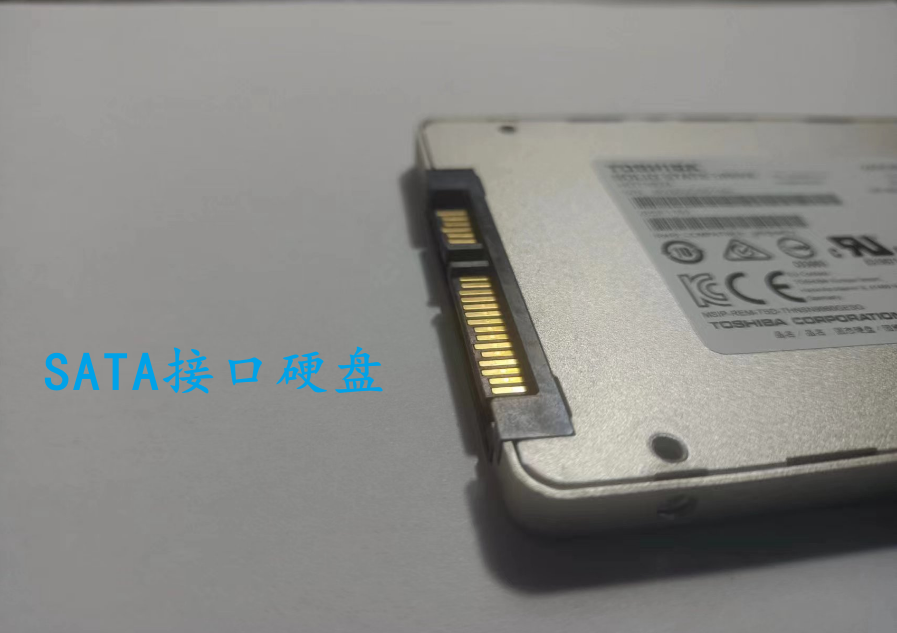
New M.2 SSD interface: Compact in size and supports SSDs only; it supports two protocols, one is SATA (SATA channel) and the other is NVMe (PCIe channel).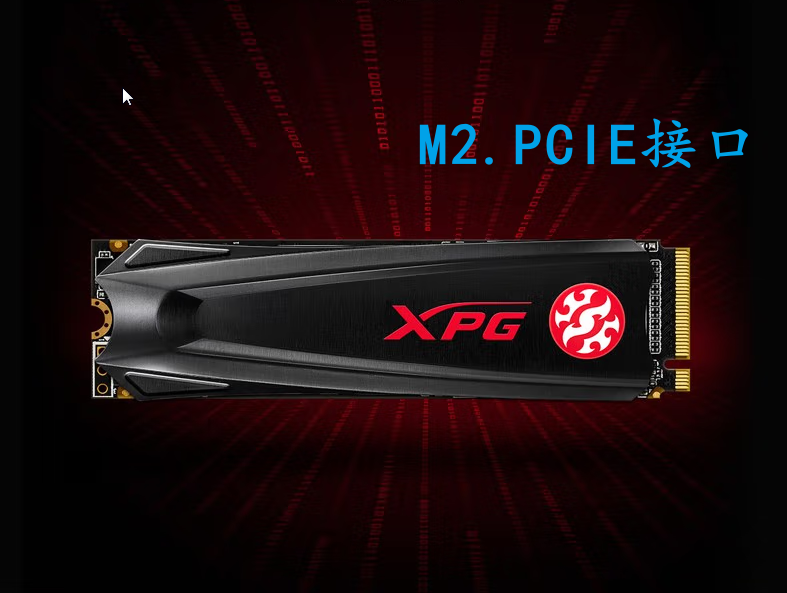
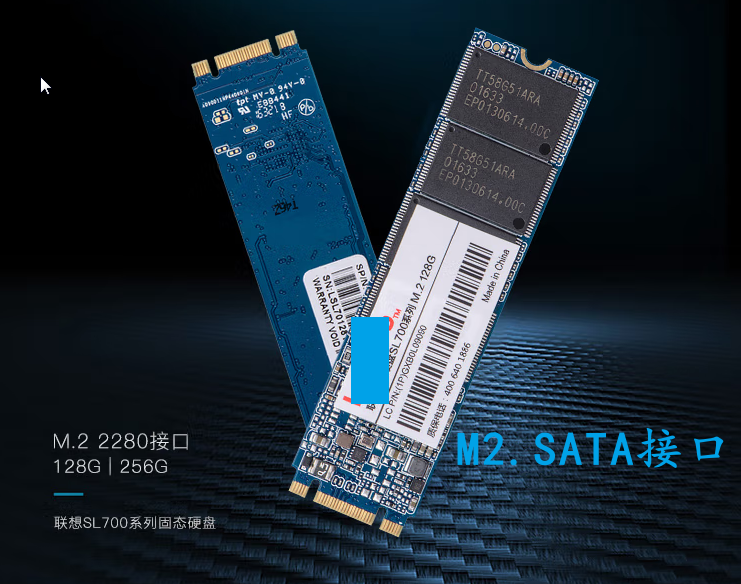
In terms of speed: M.2 NVMe (PCIe) > M.2 SATA / SATA. M.2 PCIe SSDs are many times faster than SATA interface drives.
Therefore, if your computer supports multiple hard drive interfaces simultaneously (such as desktops that might support M.2 SATA, M.2 PCIe, and SATA), prioritize using an M.2 PCIe drive.
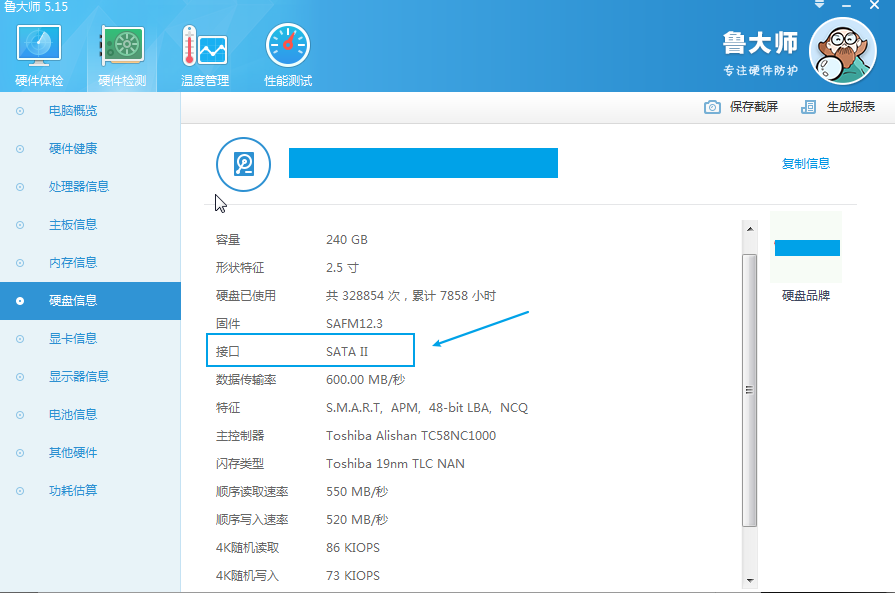
Of course, M.2 SATA (typically with three connector notches) and M.2 NVMe (typically with two connector notches) look very similar in appearance and are the easiest to confuse. Before purchasing, you can use system tools like “Ludashi” to detect your computer’s hard drive interface type, and then choose the appropriate drive based on the prompts.