

Newly created servers can sometimes have inaccurate time due to factors like power cycles and time zones. So, how can you sync the server time to internet time?
Here we’ll use CentOS as an example. First, we can use the date command to check the current time:
date
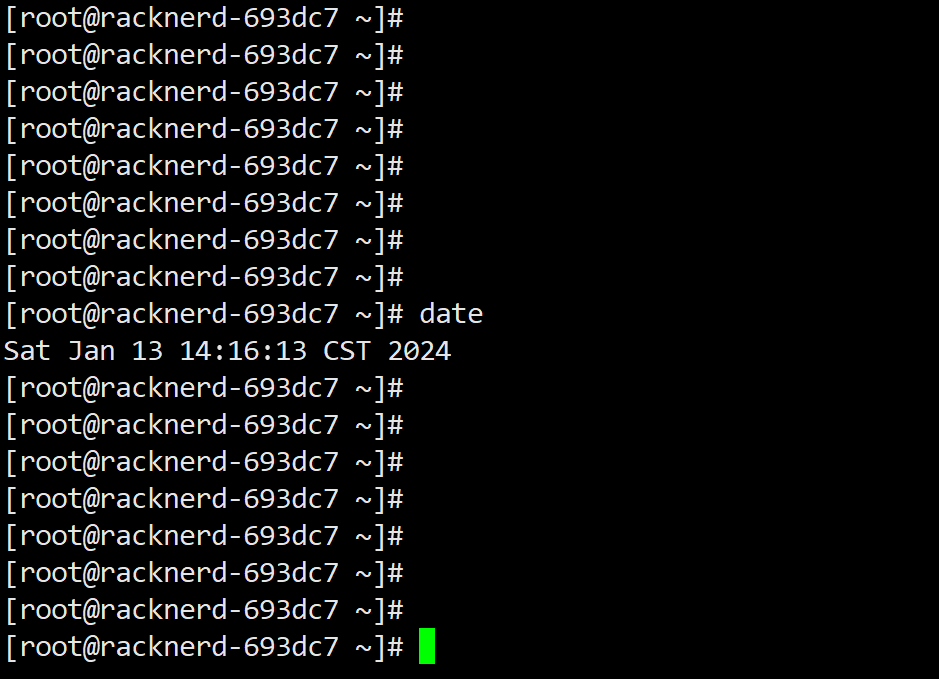
Check if the displayed time is correct. If it’s not, you can use the following command to sync with an internet time server:
ntpdate cn.pool.ntp.org
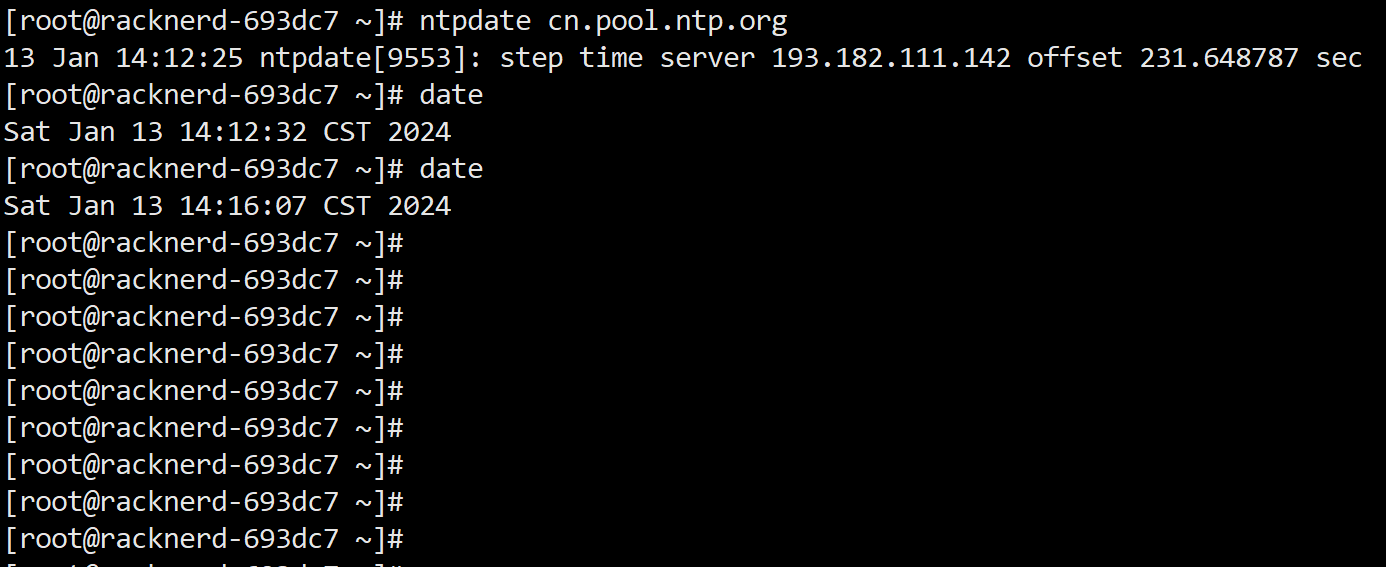
Check again and the issue should be resolved. Of course, you can also add the above command to the system’s scheduled tasks to better ensure the system time stays accurate:
crontab -e # Edit scheduled tasks, add the following command, and save
*/10 * * * * /usr/sbin/