

Install the dependencies first:
yum -y install gmp-devel re2c
Here we use PHP 7.0.12 as an example:
wget https://mirror.cnop.net/php/linux/php-7.0.12.tar.gz
tar zxvf php-7.0.12.tar.gz
cd php-7.0.12/ext/gmp/
/alidata/server/php/bin/phpize # This uses my PHP installation path as an example; please replace it with your own path
./configure –with-php-config=/alidata/server/php/bin/php-config
make && make install
At the end of the installation, the location of the installed extension is displayed: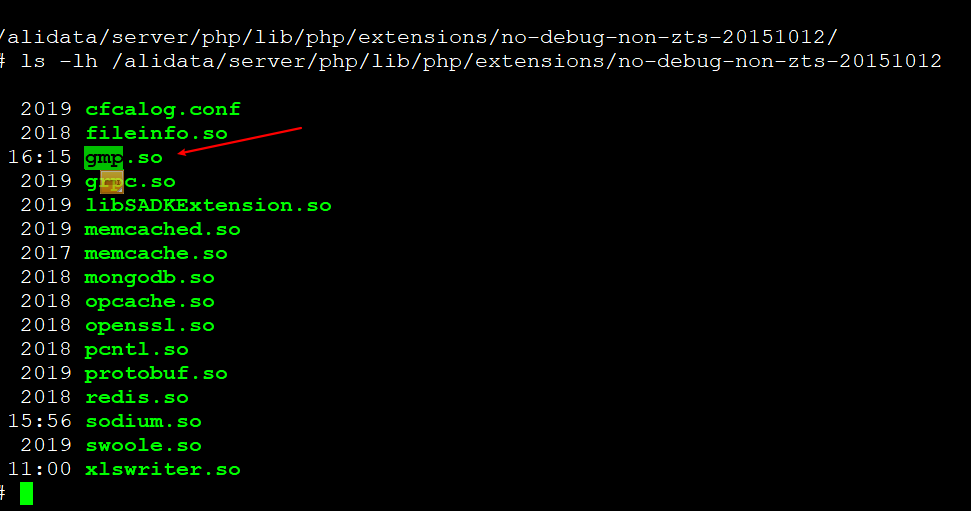
extension=/alidata/server/php/lib/php/extensions/no-debug-non-zts-20151012/gmp.so
Add it to php.ini:
vim /alidata/server/php/etc/php.ini
Append the following at the end:
extension=/alidata/server/php/lib/php/extensions/no-debug-non-zts-20151012/gmp.so
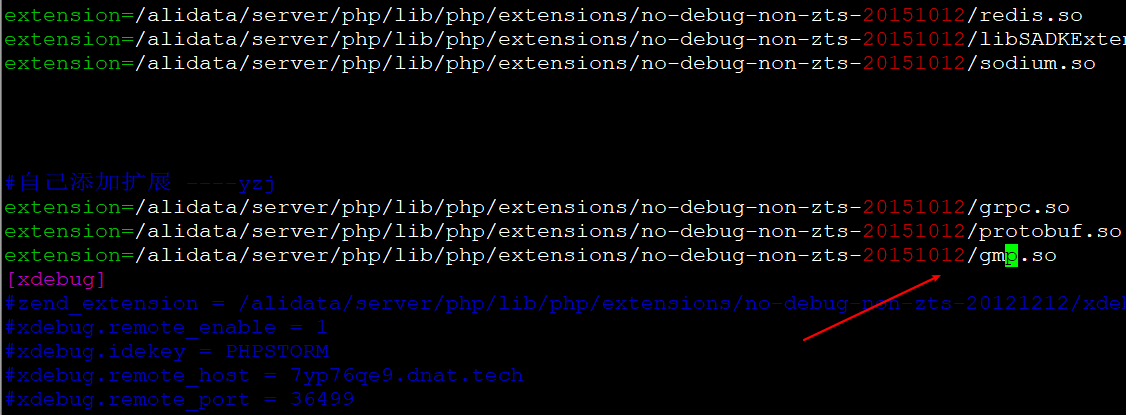
Restart PHP:
service php-fpm restart
php -m # Check the PHP modules again
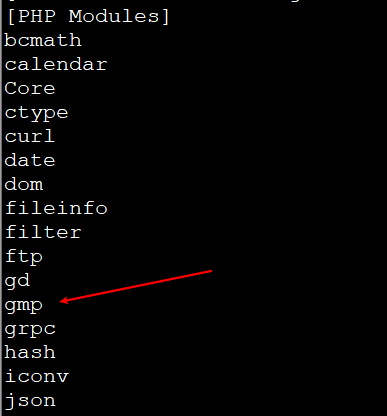
That completes the installation.
For more PHP versions, refer to:
https://mirror.cnop.net/php/linux/