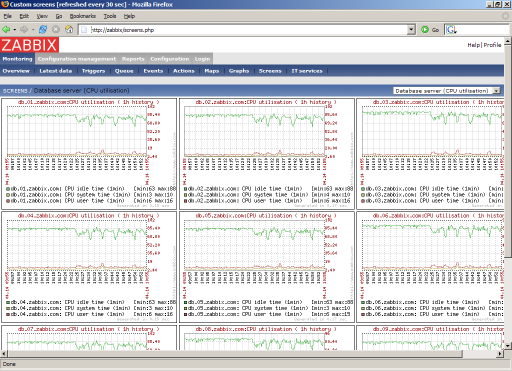
Zabbix is an enterprise-class open-source solution that provides distributed system monitoring and network monitoring capabilities via a web-based interface.
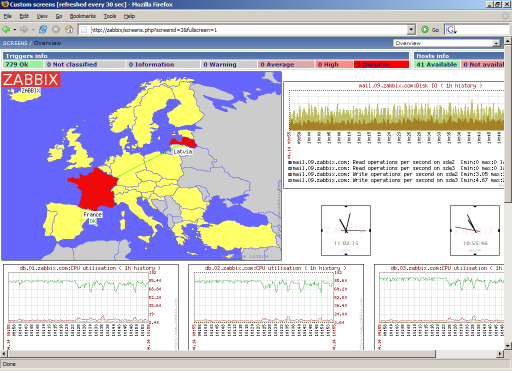
Zabbix can monitor various network parameters to ensure the secure operation of server systems. It also provides a flexible notification mechanism that enables system administrators to quickly locate and resolve various issues.
Zabbix consists of two components: Zabbix server and the optional component, Zabbix agent.
Zabbix server can monitor remote server/network status and collect data via methods such as SNMP, Zabbix agent, ping, and port monitoring. It can run on platforms including Linux, Solaris, HP-UX, AIX, Free BSD, Open BSD, OS X, and others.
Zabbix agent needs to be installed on the target servers being monitored. It primarily collects hardware information or OS-related data such as memory and CPU usage. Zabbix agent can run on systems like Linux, Solaris, HP-UX, AIX, Free BSD, Open BSD, OS X, Tru64/OSF1, Windows NT4.0, Windows 2000/2003/XP/Vista, and more.
Zabbix server can independently monitor the service status of remote servers. It can also work in conjunction with Zabbix agent by polling the agent to actively receive monitoring data (polling method), while also passively receiving data sent by the Zabbix agent (trapping method).
Additionally, Zabbix server supports SNMP (v1, v2) and can be used with SNMP software (e.g., net-snmp).
– Simple installation and configuration with a low learning curve
– Multi-language support (including Chinese)
– Free and open-source
– Automatic discovery of servers and network devices
– Distributed monitoring and centralized web management
– Agentless monitoring capability
– User security authentication and flexible authorization methods
– View or configure monitoring results via the web interface
– Email and other notification functions
And more
– Memory usage
– Disk usage
– Network status
– Port monitoring
– Log monitoring