Environment Requirements:
Linux system (using CentOS as my example)
Tomcat or TomEE
Maven (most systems already have this environment)
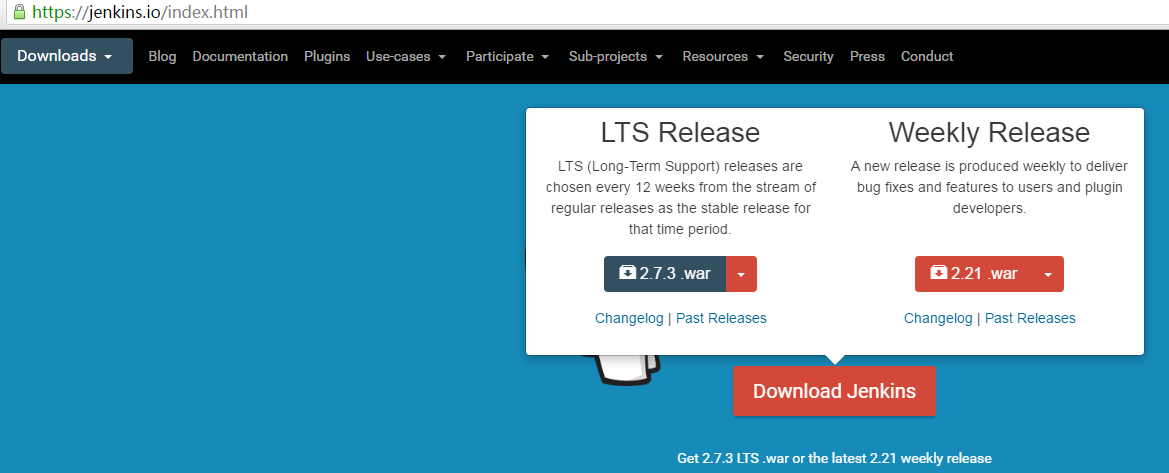
1. Jenkins Download
Download URL: http://jenkins-ci.org/
2. Installation
Tomcat installation will not be covered here. If you need help, search for previous articles on this site.
Assuming the installation path is
/usr/local/tomcat
then the default project folder is webapps

Copy the downloaded Jenkins WAR package to the /usr/local/tomcat/webapps directory.
3. Start Tomcat and Access via URL
Below is the first page I accessed:
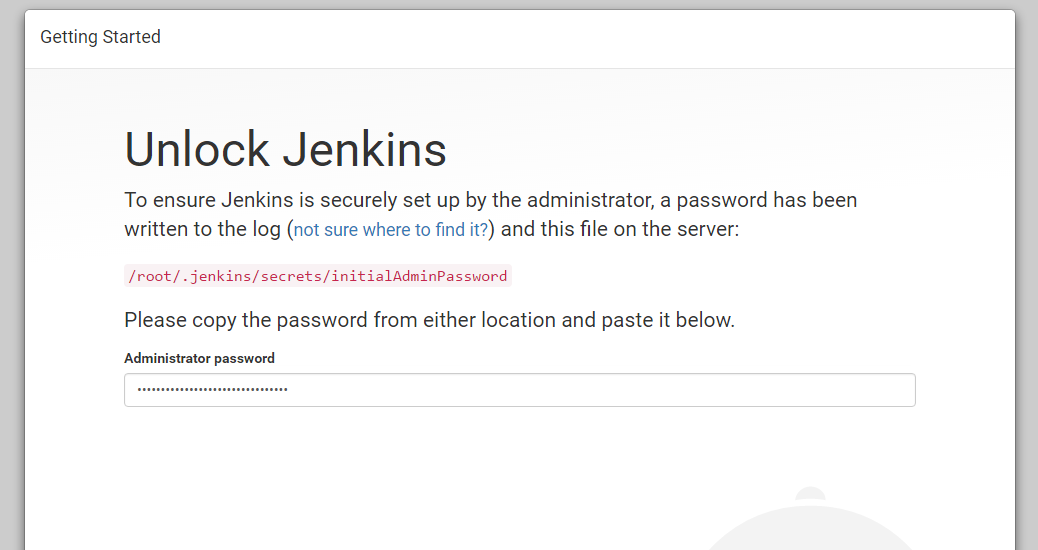
Use the
cat /root/.jenkins/secrets/initialAdminPassword
command to view the auto-generated password, enter it above, and proceed to the next step. Then select the first option, wait for the relevant plugins to install automatically, and finally set up a username and password.
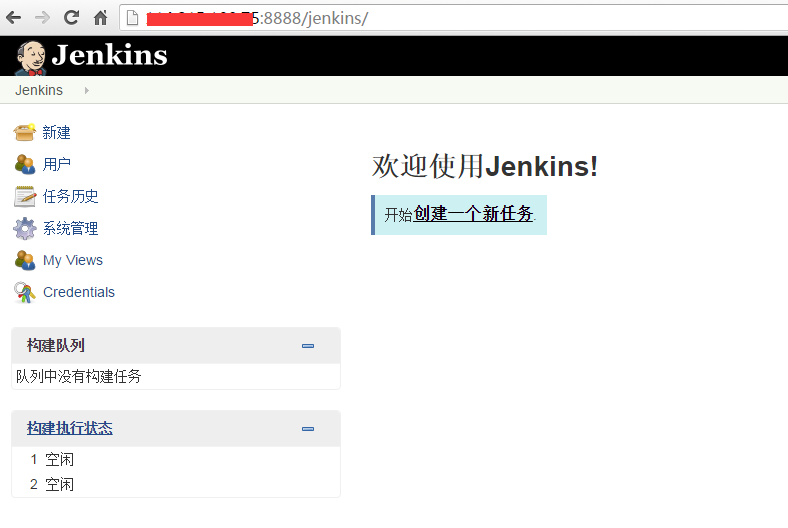
Once set up, you will see the initial interface: