Prerequisites:
Linux system (using CentOS as an example)
Tomcat or TomEE
Maven (usually already present on most systems)
Java
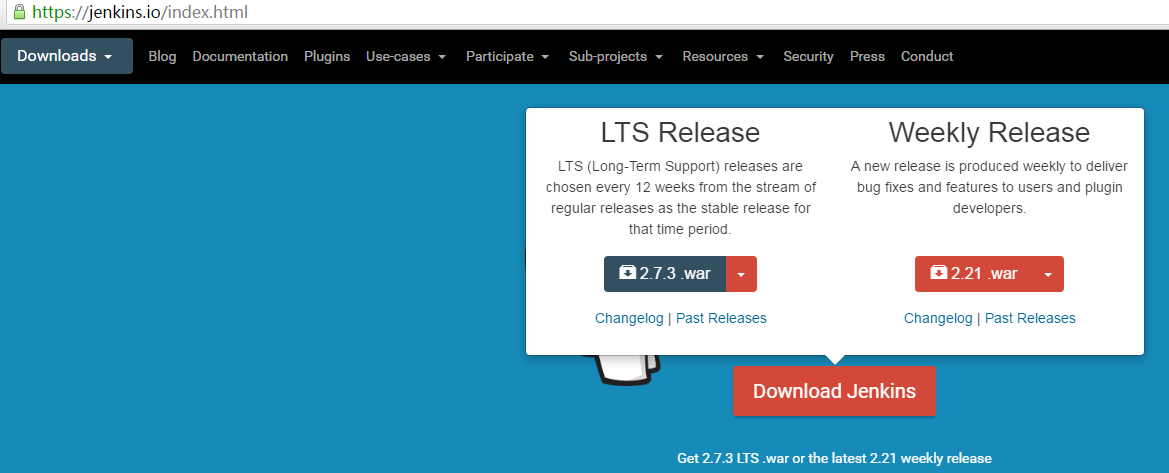
1. Jenkins Download
Download URL: http://jenkins-ci.org/
2. Installation
Tomcat installation is not covered here. If you are unfamiliar with it, you can find previous articles on this site.
Assuming the installation path is
/usr/local/tomcat
the default project folder is webapps

Copy the downloaded Jenkins WAR package to the /usr/local/tomcat/webapps directory.
3. Start Tomcat, and access via the URL (do not select automatic page refresh after accessing)
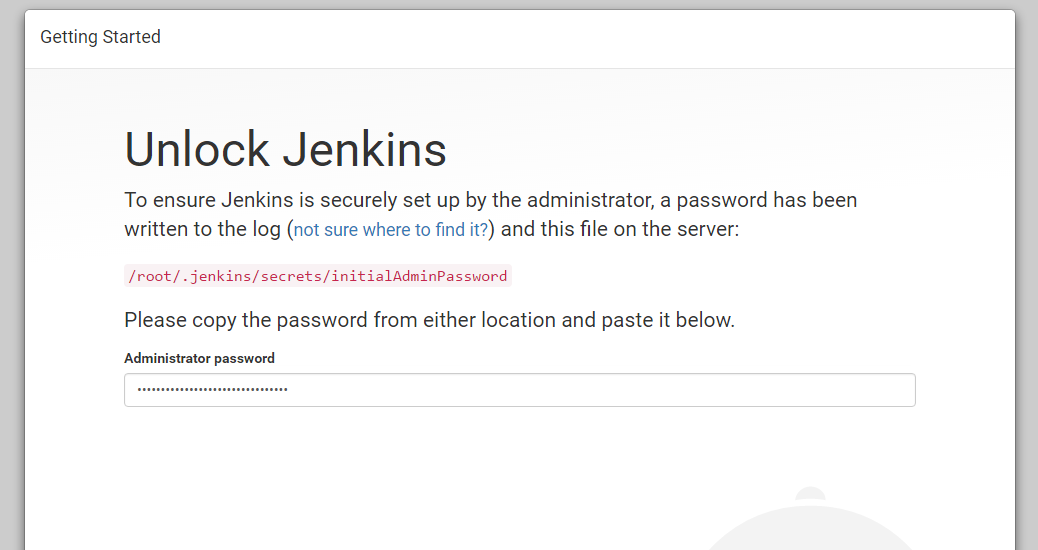
Here is my first access interface:
Use
cat /root/.jenkins/secrets/initialAdminPassword
command to view the automatically generated password, enter it above, proceed to the next step, then select the first option.
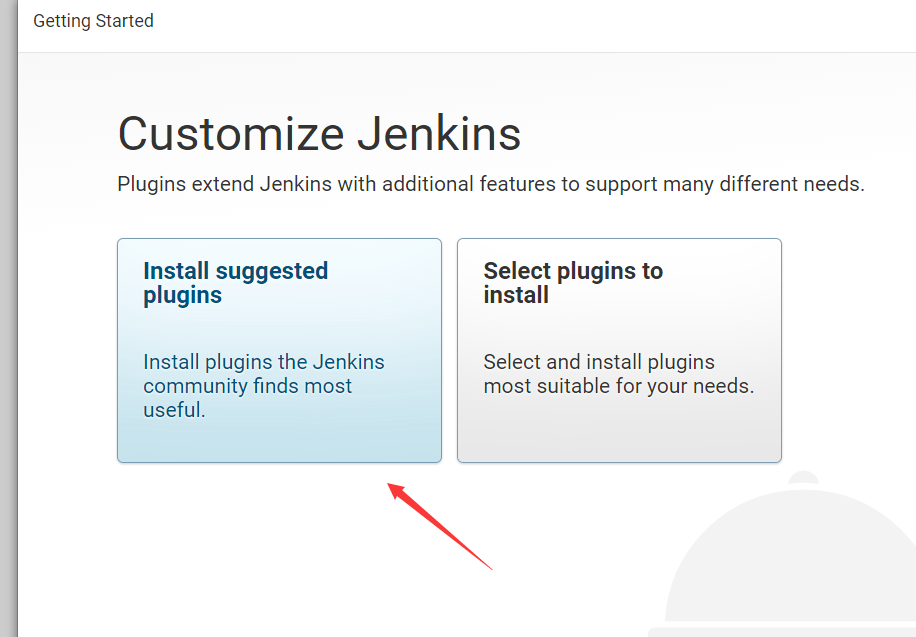
Wait for the automatic installation of relevant plugins, and finally set up a user and password.
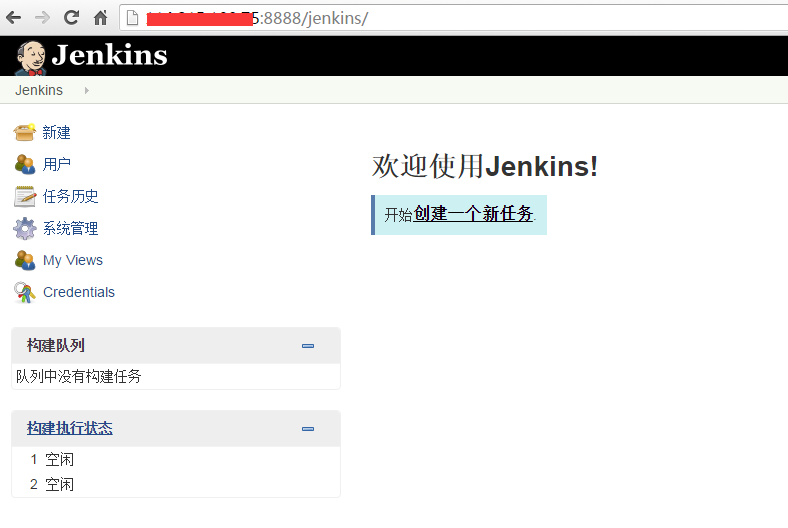
After completion, you will see the initial interface: